


SEO & Technology
Hreflang for Belgian NL/FR websites
Hreflang is an annotation in a website’s code that tells search engines which language or country versions of a page belong together. That way, a Dutch-speaking visitor in Belgium sees the Dutch version and a French-speaking visitor sees the French one. For a Belgian website, that usually means nl-BE and fr-BE, each on its own URL, referring to each other and to themselves.
By Dries Nijs, Organic Web Specialist
Last updated: 19 November 2026
At a glance
What is hreflang? The short answer
A website in two languages has two versions of every page. Without extra guidance, a search engine has to work out for itself which version suits which visitor, and that regularly goes wrong: a French speaker in Liège gets the Dutch page, or vice versa.
With hreflang you define that relationship. For each page, you say: this is the Dutch version for Belgium, this is the French one, and they belong together. The search engine can then show the right URL in each language area.
Hreflang does not change your ranking. It only swaps the version that is shown. And it is a hint, not a directive: search engines usually follow it, but not always.
Example
What does hreflang look like on a Belgian website?
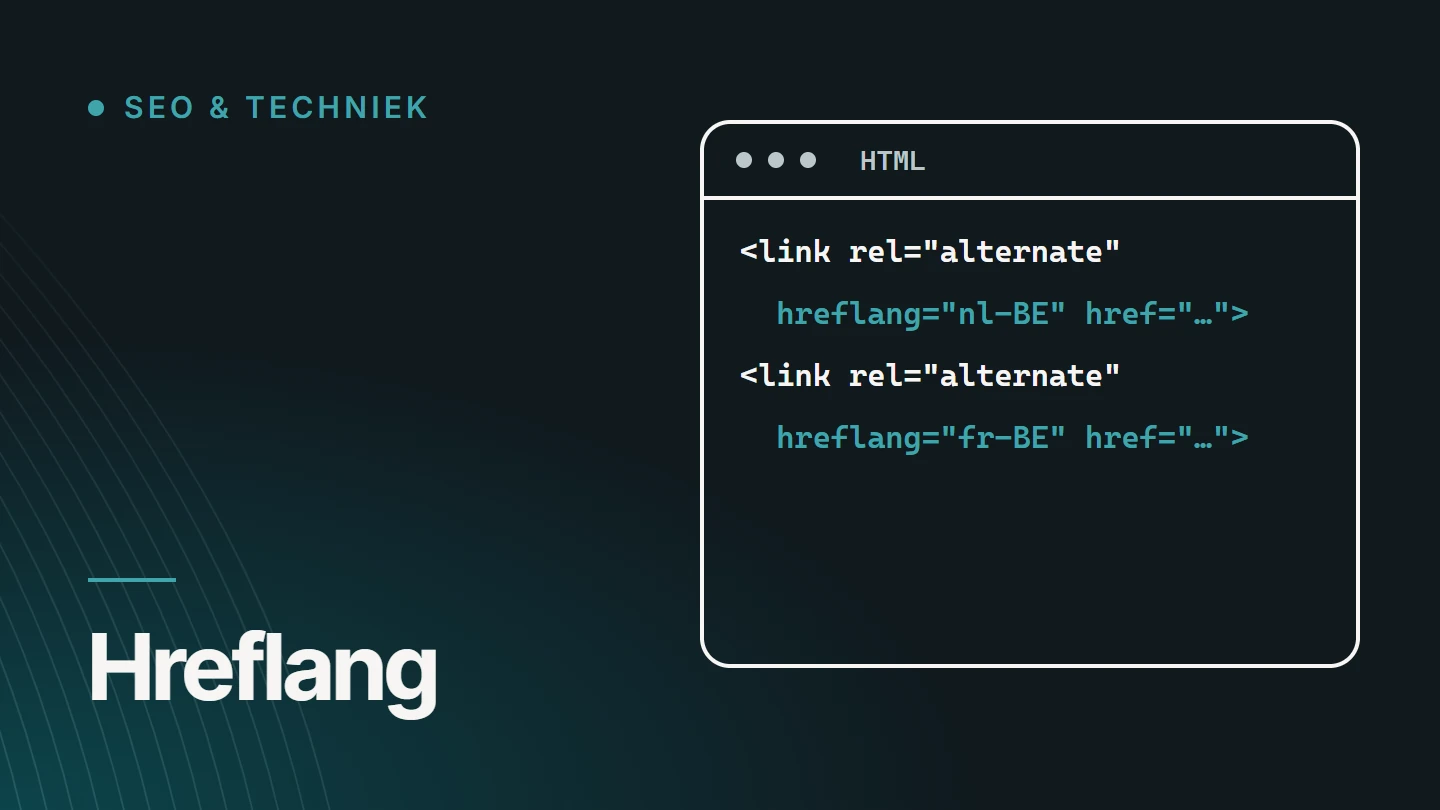
Take a service page that exists in Dutch and in French. The <head> of both versions contains exactly the same block.
Each line is a link element with a language code and the full address of that version.
<link rel="alternate" hreflang="nl-BE" href="https://www.example.be/nl/diensten/" />
<link rel="alternate" hreflang="fr-BE" href="https://www.example.be/fr/services/" />
<link rel="alternate" hreflang="x-default" href="https://www.example.be/nl/diensten/" />
The first two lines link the language versions. The third, x-default, designates the version for visitors with a language you do not offer, for example someone with an English-language browser.
Note that the URLs differ: /nl/diensten/ and /fr/services/. Each language has its own address with a translated slug. A single URL that switches language based on a cookie or the browser language cannot work with hreflang.
Language codes
Which hreflang codes do you use in Belgium?
A code consists of a language (ISO 639-1), optionally followed by a country or region (ISO 3166-1). The language always comes first. A country code on its own is not valid.
| Code | Meaning | When |
|---|---|---|
nl-BE | Dutch, for Belgium | With this page, you are targeting Flanders and Brussels. |
fr-BE | French, for Belgium | You are targeting Wallonia and Brussels. |
nl | Dutch, regardless of country | The same page serves Belgium and the Netherlands. |
nl-NL | Dutch, for the Netherlands | You have a separate version for visitors from the Netherlands, with its own prices or terms. |
fr or fr-FR | French, general or for France | You also serve France, with the same version or a separate one. |
de-BE | German, for Belgium | You have a German version for the East Cantons. |
en | English, regardless of country | An English version for international visitors. |
x-default | No language: the fallback option | For everyone who does not match any of the other codes. |
Two mistakes are common on Belgian websites. The code be is not Belgium: it is the language code for Belarusian. And nl_BE with an underscore is the notation used for WordPress language files, not for hreflang. Hreflang needs a hyphen.
Choice
Should you choose nl or nl-BE?
That depends on whom the page should serve. A code with only the language, nl, applies to all Dutch speakers. A code with a country, nl-BE, targets Dutch speakers in Belgium.
If you only work for Belgian clients and have one Dutch and one French version, nl-BE and fr-BE are the clearest choice. If you also want to reach clients in the Netherlands with the same Dutch page, nl is broader. The same URL may also appear in several lines, for example once as nl-BE and once as nl-NL.
A separate version per country only pays off when the content really differs: different prices, a different offering, different legislation or different contact details. Two identical pages with different country codes mainly create double maintenance.
Rules
The rules hreflang has to follow
Hreflang only works when the references are complete and reciprocal. If one link is missing, search engines ignore the entire pair.
- A dedicated URL for each language Each version has a fixed address that can be requested directly.
- Reciprocal If the Dutch page refers to the French one, the French page must refer back to the Dutch one.
- Self-referencing Each page also lists itself.
- Full addresses With protocol and domain, not just the path.
- Per page, not per website The service page refers to the translated service page, not to the French homepage.
- Only indexable URLs No addresses that redirect, return an error or carry a noindex.
Google describes these rules in its documentation on localised versions of your pages.
Implementation
Three methods for adding hreflang
There are three places where hreflang can go: in the page’s HTML, in the HTTP header or in the XML sitemap. They are equivalent. Choose one and stick to it everywhere.
The HTML method is the easiest to check. The sitemap is handy with many pages or many languages, because the page code then stays light. The header is mainly used for files without HTML, such as a PDF.
<url>
  <loc>https://www.example.be/nl/diensten/</loc>
  <xhtml:link rel="alternate" hreflang="nl-BE" href="https://www.example.be/nl/diensten/" />
  <xhtml:link rel="alternate" hreflang="fr-BE" href="https://www.example.be/fr/services/" />
</url>
<url>
  <loc>https://www.example.be/fr/services/</loc>
  <xhtml:link rel="alternate" hreflang="nl-BE" href="https://www.example.be/nl/diensten/" />
  <xhtml:link rel="alternate" hreflang="fr-BE" href="https://www.example.be/fr/services/" />
</url>
In the sitemap, each language version gets its own <url> block, which lists all the versions again. For this, the sitemap must include the xhtml namespace declaration.
// app/nl/diensten/page.js
export const metadata = {
  alternates: {
    canonical: 'https://www.example.be/nl/diensten/',
    languages: {
      'nl-BE': 'https://www.example.be/nl/diensten/',
      'fr-BE': 'https://www.example.be/fr/services/',
      'x-default': 'https://www.example.be/nl/diensten/',
    },
  },
};
In WordPress, a translation plugin such as WPML generates the lines automatically, as long as the translations are linked to each other. In Next.js, you define them in the metadata of each route.
Cohesion
How do hreflang and canonical work together?
They answer different questions. The canonical says which URL is the main version within one language. Hreflang says which URLs are translations of each other. They must not contradict each other.
- Each language version refers to itself as its canonical. So the French page has the French URL as its canonical, never the Dutch one.
- Hreflang only points to canonical URLs. An address with a parameter, or a variant that redirects elsewhere, does not belong in the list.
- Translations are not duplicates. To search engines, the same content in another language is a different page.
The classic mistake: all language versions get the Dutch page as their canonical, because it is ‘the original’. As a result, the French pages disappear from the index. More on this in Canonical tag: explanation, examples and common mistakes.
Errors
Common hreflang mistakes
Most mistakes only come to light when a French-speaking customer reports that they keep landing on the Dutch page. These are the most common causes.
01
The return link is missing
The Dutch page mentions the French one, but not the other way round. Without confirmation from both sides, the link does not count.
02
An invalid code
be, nl_BE, BE-nl or fr-WA: codes that do not exist or mean something else.
03
Everything points to the homepage
Every Dutch page refers to the French homepage instead of to its own translation.
04
Referring to a page that does not exist
The translation has not been created yet, redirects or returns a 404.
05
Automatic redirects based on language or location
If you redirect visitors based on IP address or browser language, you redirect the crawler too. It then often sees only one language version.
06
Half-translated pages
A French URL with a French menu and Dutch text. The code is correct; the page is not.
07
The language switcher links to the homepage
Visitors and crawlers then lose the connection between a page and its translation.
08
Hreflang on a page with noindex
A page that may not be indexed cannot be part of a language pair.
Content
Hreflang does not solve a translation problem
Hreflang tells search engines which pages belong together. It does not make a weak translation any better. A French page has to match the way French speakers search: the terms a Walloon customer types in are rarely the literal translation of the Dutch ones.
For Belgium, there is an additional practical layer. Contact details, the regions you serve, legal notices and examples need to be correct for the language area in which the page is read. That is called localisation, and it is more work than translation.
It is better to leave out a language version you cannot fully maintain than to offer it half-finished. How you approach that when building a multilingual website is a decision about structure, not just about text.
Oversight
How do you check hreflang?
Search engines do not always report hreflang errors explicitly. So check for yourself, by page type.
01
View the source code of both versions
Do the Dutch and the French page contain the same block, with the same addresses?
02
Open each address in the block
Each URL should return a 200 status code, without a redirect, and be indexable.
03
Compare with the canonical
The canonical of each version is its own address, and that same address appears in the hreflang block.
04
Crawl the website
A crawler finds missing return links and invalid codes across all pages at once.
05
Test in the search results
Search for the same term with a Dutch-language and a French-language setting, and see which URL appears.
FAQ
Frequently asked questions about hreflang
Is hreflang mandatory?
No. Search engines also try to recognise the language of a page themselves. Hreflang does make the relationship between the versions explicit, which prevents the wrong language version from being shown. For a bilingual Belgian website, it is strongly recommended.
Do I need hreflang with only one language?
No. Hreflang describes the relationship between multiple versions of a page. With one language, the lang attribute on the HTML element is enough, for example nl-BE.
Does hreflang improve my ranking in Google?
Not directly. Hreflang ensures that the right version is shown to the right visitor. That can lead to more clicks, though, because a French speaker is quicker to click on a French result.
What is x-default?
The version for visitors who do not match any of the specified languages or regions. Usually that is the website’s main language or a language selection page. It is optional, but useful.
Does every page have to exist in every language?
No. Hreflang only lists the versions that actually exist. If a page only exists in Dutch, it does not need a hreflang pair.
Is a subdomain or a subfolder better for languages?
For hreflang, it makes no difference: example.be/fr/ and fr.example.be both work. Subfolders are generally easier to manage, because everything stays on one domain.
Do all search engines use hreflang?
Google and Yandex use it. Bing relies mainly on other signals, such as the lang attribute and the language of the content. So make sure those are set correctly too.
Further reading
The related service
Multilingual website development
Are you building a website in Dutch and French, or adding a language? The service page explains how I build in the language structure, the URLs and hreflang from the start.

About the author
Dries Nijs, Organic Web Specialist
I am Dries Nijs, a developer and SEO consultant from Maasmechelen. I build multilingual websites with the language structure and hreflang in the templates, in WordPress as well as in React and Next.js. MadeByDries is the personal brand under which I work.
Are visitors getting the wrong language version?
Send me your website’s address and the languages you offer. Then we can look at where the link is missing.