


React, Next.js and Node.js
React developer and Next.js developer for web applications that are fast and findable
Looking for a React developer for a new platform, or someone who can take an existing Next.js codebase further? I build the interface in React, the rendering and routing in Next.js and the server logic in Node.js. Throughout, the public pages remain readable for search engines and AI systems.
- React, Next.js and Node.js
- Server-side rendering
- My own platforms in production
- Direct contact with the developer
At a glance
What does a React developer do?
A React developer builds the interface of a website or web application with React, a JavaScript library for building screens from reusable components. With Next.js added, they also determine how and where each page is built: on the server, in advance during the build, or in the browser. Node.js runs the logic on the server.
At MadeByDries, Dries Nijs is that React developer and the Next.js and Node.js developer, all in one person. He develops his own platforms in this stack that run in production, and combines development with technical SEO.
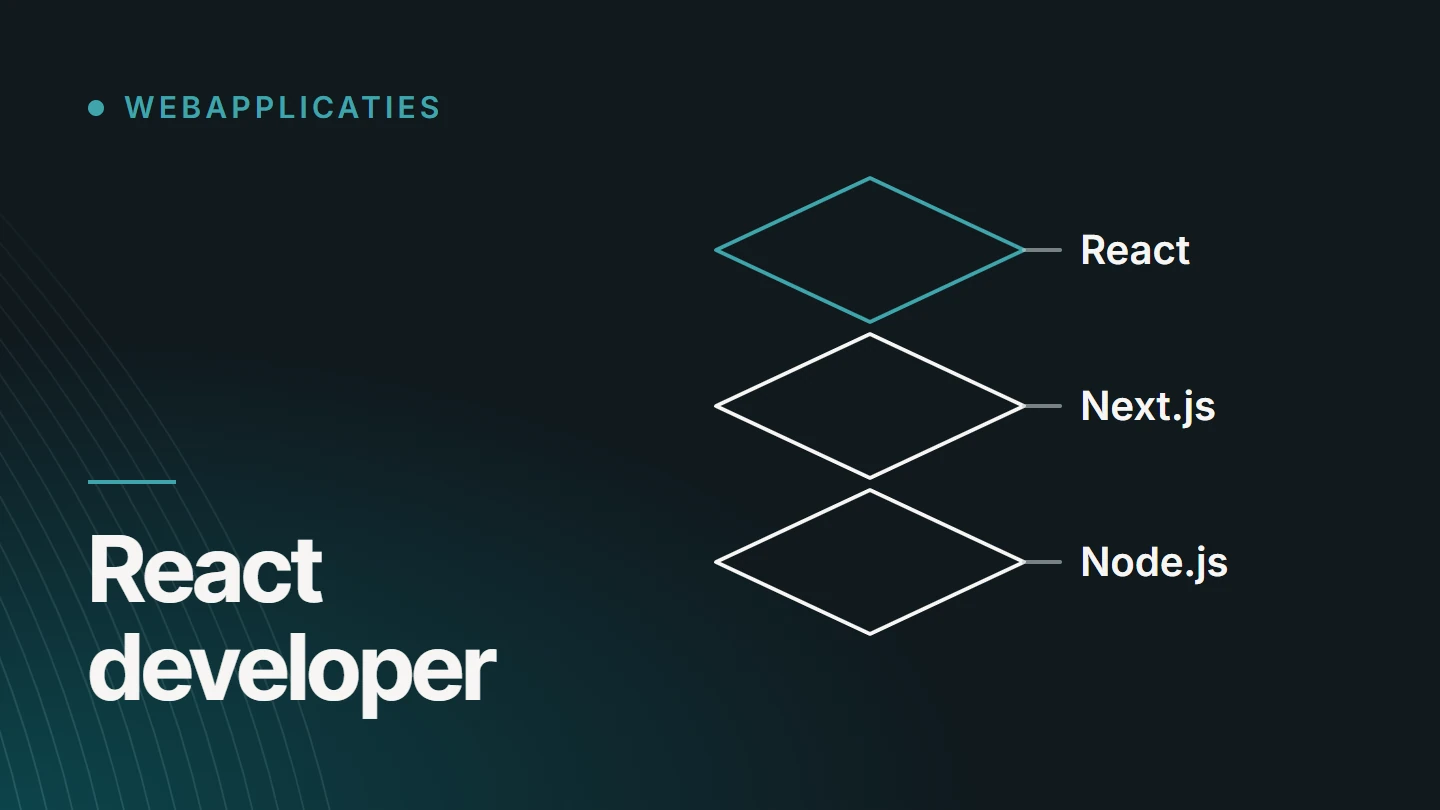
The stack
React, Next.js and Node.js: who does what?
Three technologies that are often mentioned in the same breath, but each has its own job. Together they form one JavaScript stack, from the button in the browser to the logic on the server.
The interface
React
React is an open-source library for user interfaces. A screen is made up of components: a button, a form, a product card. Each component manages its own rendering and state, and can be reused anywhere. The official documentation is at react.dev.
The framework
Next.js
Next.js is a framework built on top of React. It adds what a production-ready application needs: routing, server-side rendering, static pages, image and font optimisation, and a place for server logic.
The server
Node.js
Node.js runs JavaScript outside the browser. That is where everything runs that the user may not or need not see: checking permissions, retrieving and storing data, handling payments and talking to other systems.
Not every project needs all three. An internal tool behind a login can be a React application with a separate API. A platform with public pages that need to be found usually benefits from Next.js.
Rendering
Rendering: where is a page built?
The most important architectural choice in a React project is where the HTML is generated. That choice determines the loading time, the server load and what a crawler gets to see. Next.js lets you make it per route.
01
Server-side rendering (SSR)
The server builds the page on every request and sends complete HTML. Suitable for pages whose content changes often or differs per visitor, and that still need to be found.
02
Static generation (SSG)
The page is built once during the build and then served as a ready-made file. The fastest option for content that rarely changes, such as a service page or an article.
03
Incremental regeneration
A static page that is rebuilt in the background after a set time or after a change. This keeps a catalogue fast and up to date, without rebuilding everything every time something changes.
04
Client-side rendering (CSR)
The browser builds the screen with JavaScript. Fine for what sits behind a login, such as a dashboard. For public content it is a risk: anything that does not run JavaScript gets an empty page.
05
Server Components
Components that run only on the server and send no JavaScript to the browser. Less code for the visitor, and data fetched close to its source.
Choosing
Which rendering suits which page?
A rule of thumb for each type of page. In practice, a single application combines several approaches.
| Page type | Recommended rendering | Why |
|---|---|---|
| Service or content page | Static | Rarely changes, must load quickly and be discoverable. |
| Product or catalogue | Static with incremental regeneration | Many pages; prices and stock change regularly. |
| Search results or filters | On the server | The content depends on what the visitor requests. |
| Account and dashboard | In the browser, after login | Personal data, not intended for search engines. |
| Form or configurator | Server for the page, browser for the interaction | The page is discoverable, and the interaction responds instantly. |
I settle this choice before the build, route by route. Converting a client-side application to server rendering afterwards is much more work than setting it up properly from the start.
Visibility
SEO in React and Next.js: the public side
A React application is not discoverable by default. As a React developer with an SEO background, I build the public routes so that the raw HTML contains everything a search engine or AI system needs, before any JavaScript runs. For how that analysis and implementation work, see technical SEO. For what exactly a web application is, see the article what is a web application.
- Content in the HTML Headings, text and links come from the server, not from a script that runs later.
- Metadata per route A dedicated title, description and canonical for every page, including dynamic routes.
- Real links and status codes Navigation with ordinary links, a 404 page that actually returns a 404, and redirects on the server.
- Structured data JSON-LD that is rendered along with the page and matches what is on it.
- Sitemap and robots Generated automatically from the same source as the routes, so they do not drift apart.
- Multiple languages A dedicated URL per language and reciprocal hreflang references.
Performance
Performance: less JavaScript, faster pages
A React application becomes slow because of what it sends to the browser. Speed is therefore mainly a matter of leaving things out and deferring them. How the metrics work is explained in Improving Core Web Vitals.
- Code per route A visitor only loads the code for the page they open, not for the whole application.
- Work on the server Whatever can be done on the server does not have to be done by the visitor’s phone.
- Images In the right format and the right dimensions, with fixed aspect ratios so the layout does not shift.
- Fonts Served locally and loaded so that text is visible immediately.
- Caching Static pages and data that are not recalculated on every request.
- Measuring on real devices A score in a testing tool is an aid. What counts is how the page behaves on an average phone.
Server
Node.js and APIs: the logic behind the interface
What a user sees is the smallest part of an application. Your business rules belong on the server, where they cannot be bypassed. I build that server side in Node.js.
- JavaScript on the server Node.js runs JavaScript outside the browser. As a result, the interface and the server share one language, which makes the handover between the two layers simpler.
- A dedicated API The server provides the data and actions the interface needs: creating a booking, retrieving a file, changing a status. Every request is validated, regardless of what the interface shows.
- Data flows Retrieving, transforming and passing on data between the database, the interface and other systems, in a fixed order and with checks at every step.
- Login and permissions Who can log in and what each role can see or change. That check happens on the server, with every request.
- Integrations with other systems Payments, email, accounting or a CRM, via their API. With handling for when an external service is slow or goes down, so an outage elsewhere does not drag your own application down with it.
- Background tasks Work that does not need to happen during a click: sending a confirmation, preparing an export, synchronising data. That keeps the interface fast.
- Together with Next.js Next.js itself runs on Node.js. Rendering, routes and server logic can therefore live in one codebase, or the server can get a place of its own when the application calls for it.
When Node.js is the right choice and when another backend makes more sense is explained in Node.js as a backend.
Architecture
Component architecture: built to keep growing
An application that is still easy to change after a year does not get that quality by chance. It lies in how the components and the data are organised.
- One source per component A button or form field exists once. A change applies everywhere.
- Presentation and logic kept separate Components display; separate layers fetch data and apply rules.
- State where it belongs Local where possible, shared where necessary. That prevents an application in which everything depends on everything else.
- Readable code Clear names, a consistent folder structure and conventions that another developer recognises immediately.
The choice
When to use React and Next.js, and when not?
The technology follows the project. Not every website needs a JavaScript framework.
React and Next.js are a good fit when
- users log in and do something: book, manage, configure
- the interface needs to respond instantly, without reloading the page each time
- custom business logic and integrations are at the core of the project
- public pages and an application need to work together as one whole
A CMS is a better fit when
- the project is mainly about content: pages, articles, products
- your team wants to manage that content themselves in a familiar environment
- a standard online shop is enough
- the budget does not justify bespoke development
If your project is mainly about content, a WordPress website is often the better choice. If you are looking for a solution to a process rather than a particular technology, start with bespoke web applications. The trade-off is explained in detail in WordPress or bespoke development with React/Next.js.
Stepping in
A React developer for an existing project
Not every project starts with a blank page. I also step into existing React or Next.js codebases: building an additional feature, making the public routes indexable, reducing loading times or completing a stalled migration.
I start by reading the code and telling you what I see: what is sound, what carries risk and what needs to happen first. I work in your version control and follow your conventions.
For agencies, this can also happen behind the scenes, as white-label web development. We agree on the division of roles and communication in advance.
Headless
Next.js as the frontend for a CMS or online shop
React and Next.js do not have to replace an existing system. In a headless setup, the content stays in a CMS or the catalogue stays in an e-commerce system, and a Next.js frontend retrieves that data via an API. The editorial team keeps working in the environment they know, and visitors get a fast interface that is fully custom-designed.
This is not standard advice. A headless setup means maintaining two systems instead of one, and features a CMS provides out of the box, such as previews or forms, have to be rebuilt. The setup pays off when the frontend needs to do more than a theme allows, or when the same content is used in several places.
How I work
How I approach a React or Next.js project
The order is always the same, whether it is a new application or an extension of existing code.
We agree on the technical workflow and environment in advance.
01
Technical intake
What the application needs to do, what already exists, which systems are involved and which pages need to be found.
02
Architecture
The routes, the rendering per route, the data model and the boundary between interface and server. This is settled before the first line of code is written.
03
Components and routes
First the building blocks that recur everywhere, then the pages and screens that use them.
04
Server logic and integrations
The API, the permissions and the connections to other systems, with tests for the rules that must not fail.
05
Review and delivery
Loading time, accessibility and the raw HTML of the public pages checked, and the code handed over with documentation.
I start by reading the code and telling you what I see: what is sound, what carries risk and what needs to happen first.
Projects
React and Next.js in production
Four projects running in production. Three of them are platforms I develop and manage myself: BM Jumpfun is built in React, Pelletkachelzorg in React and Next.js, and SEO Websites is a React application with an Express-based Node.js server. Fijn Mekaniek Nelissen is a platform in Next.js and React with server-side rendering and a custom backend.

React app · Web application · Full-stack Development
BM Jumpfun
A multilingual React app that brings together the catalogue, bookings, scheduling and administration of a rental business.
- React
- Claude
- GPT
- Gemini

React & Next.js · E-commerce · Organic Web
Pelletkachelzorg
My own commerce platform in React and Next.js for the sale, installation and servicing of stoves, in four languages.
- React
- Next.js
- Claude
- GPT

SEO · GEO · Organic Web
SEO Websites
My own SaaS platform for website analysis, SEO content and visibility in search engines and AI systems.
- React
- Node.js
- Express
- Claude

Next.js · React · SSR · Custom backend
Fijn Mekaniek Nelissen
A bespoke Next.js and React platform for a technical precision engineering company, with a custom backend and a frontend that presents complex information clearly.
- React
- Next.js
- SSR
- Custom backend
Pricing
How much does a React or Next.js developer cost?
Pricing for development in React, Next.js and Node.js is on request. I work with a project price for an agreed scope.
These factors determine the size of the work.
- New or existing A new application, or building on code that already exists.
- Routes and screens How many different pages and views there are.
- Rendering Which routes are built on the server, statically or in the browser.
- Server logic The custom API, permissions and background tasks.
- Integrations The number of external systems and how well their API is documented.
- Public visibility Metadata, structured data and languages for the pages that need to be found.
Why Dries
A developer who also takes care of visibility
- My own platforms I maintain React and Next.js platforms myself, so I experience first-hand what a choice costs later.
- Development and SEO Rendering, metadata and structured data are built into the architecture, not added in a clean-up round afterwards.
- One point of contact You discuss the technology with the person who writes the code.
- Transferable Mainstream technology and readable code, so you are not tied to one person.

About the specialist
Dries Nijs, React and Next.js developer
I am Dries Nijs, a developer from Maasmechelen. I have been writing code for the web since the 1990s: from hand-written HTML through PHP and WordPress to React, Next.js and Node.js today. That long road helps me see which problems are new and which have had the same solution for twenty years. MadeByDries is the personal brand under which I work.
FAQ
Frequently asked questions about React, Next.js and Node.js
Does Next.js replace React?
No. Next.js is built on React and cannot work without it. React provides the components; Next.js handles what is needed around them: routing, rendering and optimisation. Anyone using Next.js is still writing React.
Is Next.js faster than React?
The question compares a framework with the library it is built on. What is true is that with Next.js a page can be built on the server or in advance, so the visitor sees content sooner than with an application that does everything in the browser. The result depends on how those capabilities are used.
Is Next.js built on Node.js?
Next.js runs on the server in a JavaScript runtime, and that is usually Node.js. The server code of a Next.js application, such as rendering and API routes, is therefore executed by Node.js.
Is Node.js backend or frontend?
Backend. Node.js runs JavaScript on the server: processing data, checking permissions and communicating with other systems. It is also used as a tool during frontend development.
Can you use Next.js only for the frontend?
Yes. Next.js can handle the interface and fetch data from a separate backend or an existing system. It can also contain server logic itself. Which setup fits depends on what already exists and what the application needs to do.
Is React still relevant in 2026?
Yes. React is one of the most widely used technologies for interfaces and has a large community, extensive documentation and a large pool of developers. For a business, that mainly means there is little risk of later finding nobody who can maintain the code.
Will AI replace React developers?
AI writes usable code today, and I use it myself as a tool. The decisions remain human work: which rendering to use, where permissions are checked, what happens when an integration fails. Someone also needs to be able to judge whether what AI produces is correct.
What is the difference between React and Next.js?
React is a library for building interfaces from components. Next.js is a framework that uses React and adds routing, server-side rendering, static pages and optimisations. With React alone, you have to put those pieces together yourself; with Next.js, they are there from the start.
Is a React website bad for SEO?
Only when the content is not built until it reaches the browser. With server-side rendering or static pages, a search engine receives complete HTML, just as with a traditional website. So the technology is not the problem, but the setup can be.
Want to discuss a React or Next.js project?
Tell me what you want to build or where an existing project is stuck. Then we will look at the right technical approach.