


Website migration
Website migration with SEO support, from preparation to post-launch checks
A new domain, a different platform or a new URL structure: a website migration changes the addresses of your pages. Search engines have to find every page again, and whatever gets lost along the way costs visitors. I guide the SEO side of the move, so the value you have built up carries over carefully and the risk of losses stays limited.
- URL mapping and redirects
- Checks before and after launch
- Guidance or implementation
- Work directly with Dries
At a glance
What is a website migration?
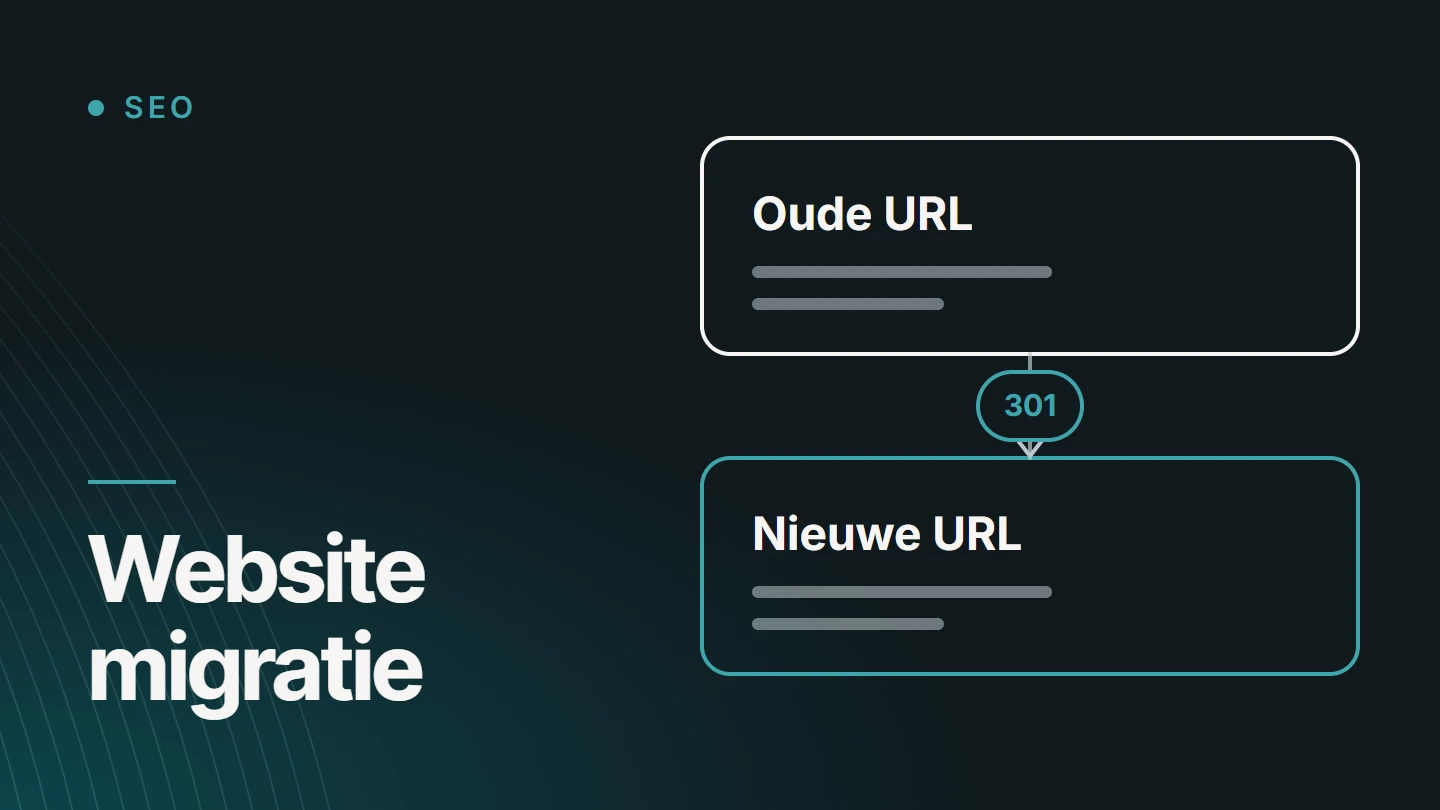
A website migration is a major change in which a website’s URLs, domain, platform or structure change. For search engines, it is a move: pages they knew are at a different address or no longer exist. They have to learn which new page takes the place of which old one.
SEO guidance during a migration ensures that this handover is correct. It involves an overview of all existing URLs, a destination for each URL, correct redirects, and checks on canonicals, metadata, internal links, sitemaps and hreflang. After launch, follow-up takes place in Search Console.
Dries Nijs of MadeByDries provides that guidance as a developer and SEO consultant. There is no such thing as a guarantee that not a single ranking will move. There is, however, an approach that limits the risk of losses and makes errors visible quickly.
Types
What types of website migration are there?
Not every move is equally risky. The more that changes at once, the more preparation is needed.
- A new domain A different name or a different extension, for example after a name change or an acquisition.
- A new platform The switch to another CMS or to bespoke development, often with different URL patterns.
- A new URL structure Different folders, different slugs or merged pages on the same domain.
- From HTTP to HTTPS Technically simple, but every URL changes, so every URL needs a redirect.
- Merging or splitting websites Two websites become one, or one section gets its own domain.
- A redesign with a new structure The design changes, and with it the page layout and the content.
Simply changing hosting provider, without any URL changing, is not a migration in this sense. That is about availability and speed, not addresses.
Risk
What causes visibility to be lost in a migration?
Rarely the move itself, usually what gets forgotten along the way. These are well-known causes.
- Missing redirects Old URLs return an error page, and the value they built up no longer has a destination.
- Everything to the home page Google may treat a redirect to a page that has nothing to do with the old one as a page that has disappeared.
- Redirect chains An old URL redirects to an intermediate step, which in turn redirects further. Every extra step slows down visitors and crawlers.
- A noindex that stays in place The setting that kept the test environment out of Google moves unnoticed to the live website.
- Canonicals pointing to the old address The new pages still point to their predecessors as the preferred version.
- Missing content Text, headings or entire pages were shortened or removed during the transfer.
- Internal links to old URLs The menu and the copy send visitors and crawlers through a redirect first.
- Broken hreflang Language versions point to addresses that no longer exist.
Approach
What SEO guidance during a migration includes
Ten components, from the first measurement to the follow-up after launch. Most of them happen before a single page moves.
01
Baseline
A snapshot of today: which pages get traffic, for which search queries, and which pages have links from other websites. Without that measurement, you will not know afterwards what has changed.
02
URL inventory
All existing addresses in one list, from a crawl, the sitemaps, Search Console and analytics. Including pages that are no longer in the menu but are still visited or linked to.
03
URL mapping
For each old address, the decision: same URL, new URL, merge with another page or deliberately let it disappear. This document drives the rest of the migration.
04
Redirects
Permanent redirects from every changed address to its successor in content, in a single step. They stay in place for a long time: Google recommends keeping them for at least a year.
05
Canonicals
Every new page points to itself as the preferred version, at the new address. No more references to the old domain or the test environment. You can read how a canonical works in the article on the canonical tag.
06
Content and metadata
Titles, descriptions, headings, text and images move across. Whatever changes in substance changes deliberately, not because a field was left empty during the import.
07
Internal links
Menus, buttons and links in the copy point directly to the new addresses, not via a redirect.
08
Sitemap and robots.txt
A sitemap containing only the new URLs, and a robots.txt that blocks nothing that needs to be found.
09
Hreflang and structured data
Language versions reference each other at the new addresses, and the markup moves across with the correct URLs. The rules for this are set out in hreflang for Belgian websites.
10
Search Console and monitoring
Registering the new website, submitting the change of address when switching domains, and tracking which pages get indexed and where errors appear.
Planning
Before, during and after launch
A migration has three moments, each with its own checks. The steps Google itself recommends are set out in its documentation on site moves with URL changes.
Prepare
Before launch
- Baseline and inventory
- URL mapping completed and reviewed
- Redirects tested before launch
- Canonicals, metadata and hreflang checked
- A moment chosen outside your busiest period
Check
On the day itself
- Redirects checked by sampling and in bulk
- No noindex or block still active
- New sitemap submitted
- Tracking codes and forms tested
- When switching domains: change of address in Search Console
Follow up
After launch
- Track indexing of the new pages
- Catch error pages and forgotten URLs
- Compare traffic with the baseline
- Have external links updated where possible
- Adjust where pages are lagging behind
Fluctuations in the first weeks are normal. Google itself indicates that for a medium-sized website it can take a few weeks for most pages to be processed, and longer for large websites.
Scope
Website migration or website redesign?
The two overlap, but the question is different. If you are having your website redesigned, you primarily want a new website: a new design, a new structure and new technology. Carrying over the existing URLs is then part of that build project. For that, see website redesign.
In a migration, the move itself is central. The website is being built by your own team or your agency, or it already exists, and you are looking for someone to safeguard the SEO side: the mapping, the redirects and the checks. That is this service.
If I build the new website myself, the migration is part of the project. If someone else builds it, I work alongside them.
Situations
Migrations that need extra attention
Some moves have a logic of their own.
Format
Guidance only, or implementation too?
That depends on who is building the new website and what that party can do itself.
Alongside your team or agency
Guidance
I provide the baseline, the URL mapping and the specifications for redirects, canonicals and metadata. Your developers implement them, and I check before and after launch.
I help implement
Guidance and implementation
I set up the redirects and adjust templates, canonicals and structured data myself. That is possible in WordPress and in React and Next.js. You can read what this involves under technical SEO.
Either way, we agree in advance who does what and when, so no task is left stranded between two parties.
Recovery
Already migrated, and traffic has dropped?
Then the work starts with a diagnosis instead of a plan. I compare the old and the new situation: which URLs existed, where they now redirect to, what happened to the content and what Search Console reports about the new pages.
Part of the damage can often be repaired: setting up missing redirects after all, removing a forgotten noindex or restoring deleted content. The sooner after launch, the better. No one can promise that everything will come back. The full checklist is in website migration without losing rankings.
If it is not clear whether the migration is the cause, an SEO audit is the logical first step.
Organic Web
Migrating according to Core. Code. Growth.
I treat design, development and visibility as one system. I call that Organic Web. For a move, it means the following.
01
CORE.
Knowing what the website is worth today: which pages are found and why.
02
CODE.
Transferring that value technically: mapping, redirects, canonicals and a clean new structure.
03
GROWTH.
After launch, measuring, catching errors and building further on the new foundation.
Projects
Technical SEO work in practice
I will only publish a migration case study with before-and-after figures once it has been confirmed and dated. These three projects show the kind of work a move depends on: URL structure, language versions and technical SEO.

React & Next.js · E-commerce · Organic Web
Pelletkachelzorg
My own commerce platform in React and Next.js for the sale, installation and servicing of stoves, in four languages.
- React
- Next.js
- Claude
- GPT

SEO/GEO case · Multilingual SEO · Technical SEO
WeddingVibe – multilingual SEO
Multilingual SEO for WeddingVibe, wedding photography and video in Limburg: five language versions with hreflang, translated URLs, local landing pages and sitemaps for each language.
SEO · GEO · Organic Web
SEO Websites
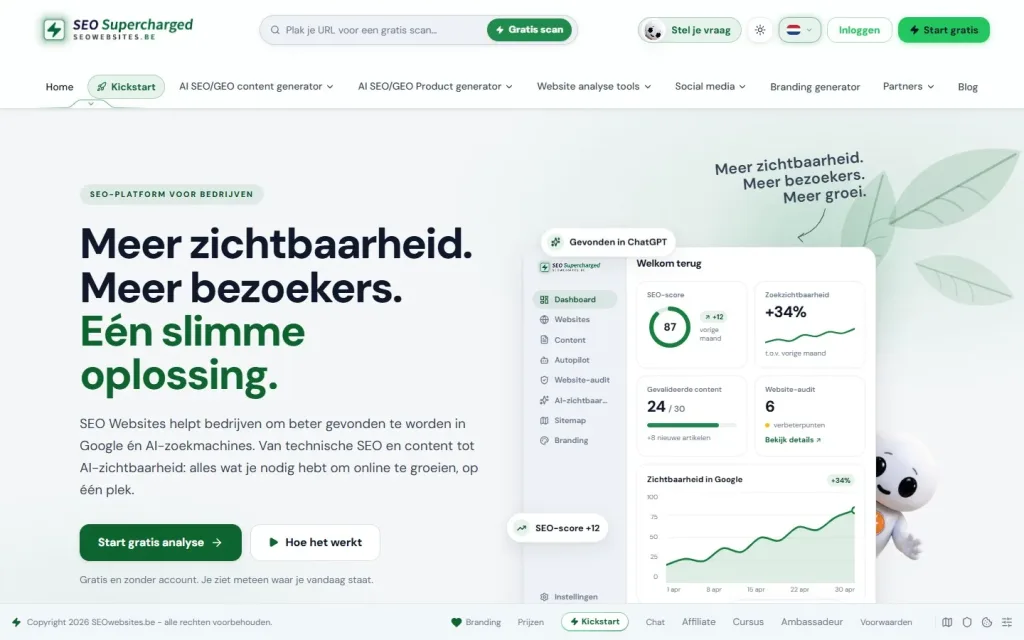
My own SaaS platform for website analysis, SEO content and visibility in search engines and AI systems.
- React
- Node.js
- Express
- Claude
Pricing
How much does SEO guidance for a migration cost?
I do not publish a fixed price for a website migration. After an initial analysis, I can define the scope and price.
You receive a price for the project, not per hour. If you bring me in early, you pay for preparation. If you only call after launch, you pay for diagnosis and recovery.
- Number of URLs How many addresses need a destination.
- Type of migration Just a domain change, or a new platform and a new structure as well.
- Languages Each language version counts as a separate move.
- Online shop Products, categories and filters enlarge the inventory.
- Guidance or implementation Only specifications and checks, or the work in the code as well.
- When I come in Before the build, just before launch or afterwards.
Why Dries
A migration guided by someone who reads the code
- Developer and SEO consultant I write the redirect rules myself and read what the server actually returns.
- Honest about risk No promise that everything stays where it is, but an approach that limits the risk.
- Works alongside your team I work with your developers or your agency, without taking over their project.
- Direct contact You discuss the migration with the person who checks it.

About the specialist
Dries Nijs, Organic Web Specialist
I am Dries Nijs, a developer and SEO consultant from Maasmechelen. I have been building for the web since the 1990s, in WordPress, React, Next.js and Node.js. In a website migration, I bring those two sides together: I know what search engines need and how to handle it in the code. MadeByDries is the personal brand under which I work.
FAQ
Frequently asked questions about a website migration
What is an SEO migration?
SEO migration is the part of a website migration that safeguards visibility: mapping the existing URLs, giving each URL a destination, setting up redirects and checking after launch whether search engines adopt the new structure. The goal is for the visibility you have built up to move with you.
Will I lose my Google rankings in a migration?
That risk always exists, and no one can rule it out. Temporary fluctuations are part of a move. With a complete URL mapping, correct redirects and follow-up after launch, the risk of permanent loss stays limited.
How can I move my website to a different domain?
Put the website on the new domain, redirect every old URL with a permanent redirect to the same page at the new address, update canonicals, internal links and sitemaps, and submit the change of address in Search Console. Then keep the old domain and the redirects active for a long time.
What are 301 redirects?
A 301 redirect is a permanent redirect from an old address to a new one. Visitors automatically land on the new page, and search engines understand that the new URL replaces the old one. In a migration, every changed URL gets one.
How long should redirects stay in place?
As long as possible. Google recommends keeping them for at least a year. As long as other websites and old bookmarks point to the former addresses, the redirects remain useful for visitors.
When is the best time to bring you in?
As early as possible, ideally before the new structure is fixed. Then the URL mapping can guide the build. Just before launch, I can still check and adjust. After launch, it becomes recovery work.
Can you work with our web agency?
Yes. In that case, I provide the mapping, the specifications and the checks, and the agency builds. We agree on roles and communication clearly in advance, so it is clear who sets up the redirects and who checks them.
How much does migration guidance cost?
That depends on the number of URLs, the type of migration, the languages and whether I only provide guidance or also implement. I do not publish a fixed price. After an initial analysis, I can define the scope and price.
Is a migration on the horizon?
Tell me what is changing: the domain, the platform or the structure, and when the launch is planned. Then we will look at what still needs to happen.