


Web Development & Web Apps
API integrations: how systems communicate with each other
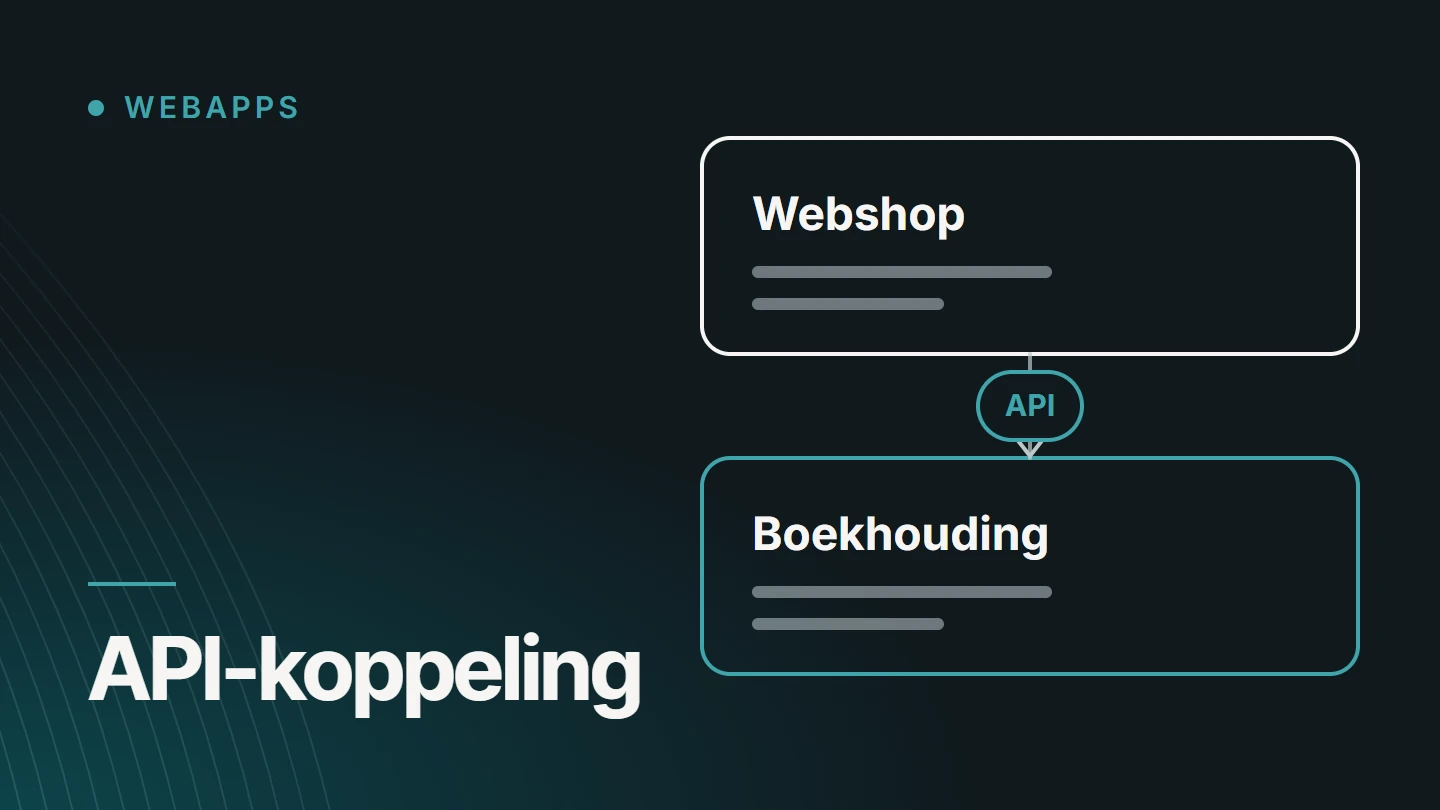
An API integration is a connection through which two software systems automatically exchange data via an API, an agreed set of rules that determines what one system may ask of the other and in what form the answer comes back. That way, an order from an online shop ends up in the accounts without anyone retyping it.
By Dries Nijs, Organic Web Specialist
Last updated: 19 November 2026
At a glance
What is an API integration? The short answer
API stands for application programming interface. It is a software system’s front desk: it sets out which questions you may ask, how to ask them and what you get back. People use a program’s screens; other programs use the API.
An API integration, also called an API connection, is the code that connects two of those front desks. It fetches data from one system, converts it into what the other expects and delivers it there. That happens at fixed times, or immediately when something changes.
The difficult part is rarely the connection itself. It lies in the questions around it: which data belongs together, which system is right when there is a discrepancy, and what happens when one of the two is temporarily unavailable.
The basics
How does an API work? Request and response
Most APIs on the web work with HTTP, the same protocol a browser uses to request a page. One system sends a question, the request. The other sends back an answer, the response.
A request consists of an address, a verb that says what you want to do, and sometimes data. The response contains a status code and usually data in JSON, a text format that both people and programs can read.
GET https://api.example.com/bestellingen/1042
Authorization: Bearer <geheime-sleutel>
Accept: application/json200 OK
Content-Type: application/json
{
"id": 1042,
"status": "betaald",
"klant_id": 318,
"aantal_regels": 3
}The verb determines the action: GET retrieves data, POST creates something, PUT or PATCH updates and DELETE deletes. The status code tells you how it went. If it starts with a 2, it succeeded. A 4 indicates an error in the request, a 5 an error on the server.
Which addresses, fields and codes an API uses is set out in its documentation. The general rules of HTTP are described at MDN.
Components
Authentication, webhooks and data mapping
Establishing a connection is just the start. An integration that keeps working consists of a few fixed components. If you know them, you will read a quote or a technical proposal with more insight.
01
Authentication
The API needs to know who is asking. The simplest form is an API key: a secret code sent with every request. With OAuth, a user gives an application access to their account without sharing their password. The application receives a token that is limited in time and in what it is allowed to do.
02
Webhooks
A regular API only responds when you ask something. A webhook reverses that: the other system itself sends a message to an address of yours as soon as something happens, such as a payment or a new order. That way, you do not have to keep checking whether anything has changed.
03
Data mapping
Two systems rarely call the same thing by the same name. What is a ‘customer number’ here is a ‘relation code’ there. Dates, countries, VAT rates and units each have their own notation. Data mapping specifies, field by field, what corresponds to what and how it is converted.
04
Direction and source
Does the data flow one way, or in both directions? And which system is right when the same piece of data differs in two places? If you do not settle that in advance, you end up with changes that overwrite each other.
Reliability
Errors and retries: what if something goes wrong?
Every integration fails at some point: a service is slow, a key has expired, a field is empty. A good integration does not break because of it. It catches the error and reports that something is wrong. That handling runs on the server. How this is done in JavaScript is explained in Node.js as a backend.
- Timeouts Not waiting endlessly for a response that never comes, so the rest of the application keeps working.
- Retries Retrying a failed request, with a longer pause each time and a maximum number of attempts.
- No duplicate processing A message that arrives twice must only result in one order or payment. This is called idempotency.
- Respecting limits Many APIs limit how many requests you may send per unit of time. The integration takes that into account.
- A queue Anything that cannot be delivered now is stored and offered again later, instead of disappearing.
- Log and alert Every exchange is logged, and someone is notified when an error does not resolve itself.
Security
How do you secure an API integration?
An integration is a door between two systems. It gives access to customer, order or payment data, and therefore deserves the same care as a login.
- Encrypted connection All traffic runs over HTTPS, so that nobody can read along in transit.
- Keys outside the code API keys and tokens are stored in a secure configuration, never in the source code or in an email.
- No more permissions than necessary A key that only needs to read orders must not be able to delete customers.
- Verifying webhooks An incoming message is only trusted once the sender’s signature has been verified.
- Validating input Data from another system is also checked before it ends up in your own database.
- Only what is necessary Personal data the other system does not need is not sent.
Examples
Which systems are often integrated?
In an SME, several packages soon end up running side by side, each with its own piece of the same data. These categories come up regularly. Many of those packages are SaaS platforms. What that involves is explained in What is a SaaS platform?
| Type of system | What is exchanged | What to watch |
|---|---|---|
| CRM | Contacts, companies and enquiries from a website or web application | Avoiding duplicate contacts: how do you recognise the same customer? |
| ERP or accounting | Customers, items, orders and invoices | VAT, numbering and rounding must match exactly. |
| Payments | Starting a payment and receiving its status | The status usually arrives via a webhook, which can come in late or twice. |
| Product feeds | Products, prices and stock to comparison sites, marketplaces or advertising platforms | Each channel has its own requirements for fields and formats. |
The table deliberately names no packages. What is possible depends on the API your vendor offers and how well it is documented. AI systems are also accessed via an API: that is covered in the article on AI integrations.
The choice
When do you need a bespoke API integration?
Not every integration needs to be built. Many packages have built-in integrations, and automation platforms connect common software without code. Start there, and only look at bespoke development when that is not enough.
An existing integration is enough when
- the vendor itself offers an integration with the other package
- the data can be transferred without conversion
- the volumes are small
- an error has few consequences and is quickly noticed
Bespoke development makes sense when
- there is no ready-made integration between the two systems
- data needs to be converted, merged or checked
- your own business rules determine what is sent when
- more than two systems share the same data
- an error costs money or customers and therefore has to be caught
A bespoke integration is a small piece of software that needs its own maintenance: APIs change, and the integration has to keep up. How I approach such projects as a service is explained on the page about integrations and API connections. The broader trade-off between off-the-shelf and bespoke is covered in Bespoke software or an off-the-shelf package?
FAQ
Frequently asked questions about API integrations
What is the difference between an API and an API integration?
An API is a single system’s point of contact: the description of what you can request and send. An API integration is the connection that works with that point of contact and lets data flow between two systems. So the API already exists; the integration still has to be built or configured.
What is a REST API?
REST is a widely used way of structuring a web API. Each type of data gets its own address, such as customers or orders, and you use fixed verbs to retrieve, create, update or delete them. The data usually comes back as JSON.
What is the difference between an API and a webhook?
With an API, you request something when you want to. With a webhook, the other system itself sends a message as soon as something happens, such as a new payment. Many integrations use both: the webhook reports that something has changed, and the API then fetches the details.
Does every software package have an API?
No. Much online software has one, but not every package does, and not every API gives access to all the data. Sometimes the API is only included in a more expensive plan. Check with the vendor and look at the documentation before you choose a package you will want to integrate with later.
How much does an API integration cost?
That depends on the number of systems, the quality of their documentation, the volume of data and what needs to happen when something goes wrong. A fixed figure therefore does not exist. At MadeByDries, bespoke work is priced on request, after an initial scoping.
Further reading
The related service
Integrations and API connections as a service
Do your systems need to exchange data, and is there no ready-made integration? The service page explains which bespoke applications and integrations I build and how a project runs.

About the author
Dries Nijs, Organic Web Specialist
I am Dries Nijs, a developer from Maasmechelen. I have been building for the web since the 1990s and today develop web applications in React, Next.js and Node.js, alongside websites in WordPress. MadeByDries is the personal brand under which I work.
Do two systems need to talk to each other?
Tell me which packages you use and which data is being retyped today. Then we will look at whether an existing integration is enough or bespoke work is needed.