


SEO & Technology
robots.txt and AI crawlers: GPTBot, OAI-SearchBot and more
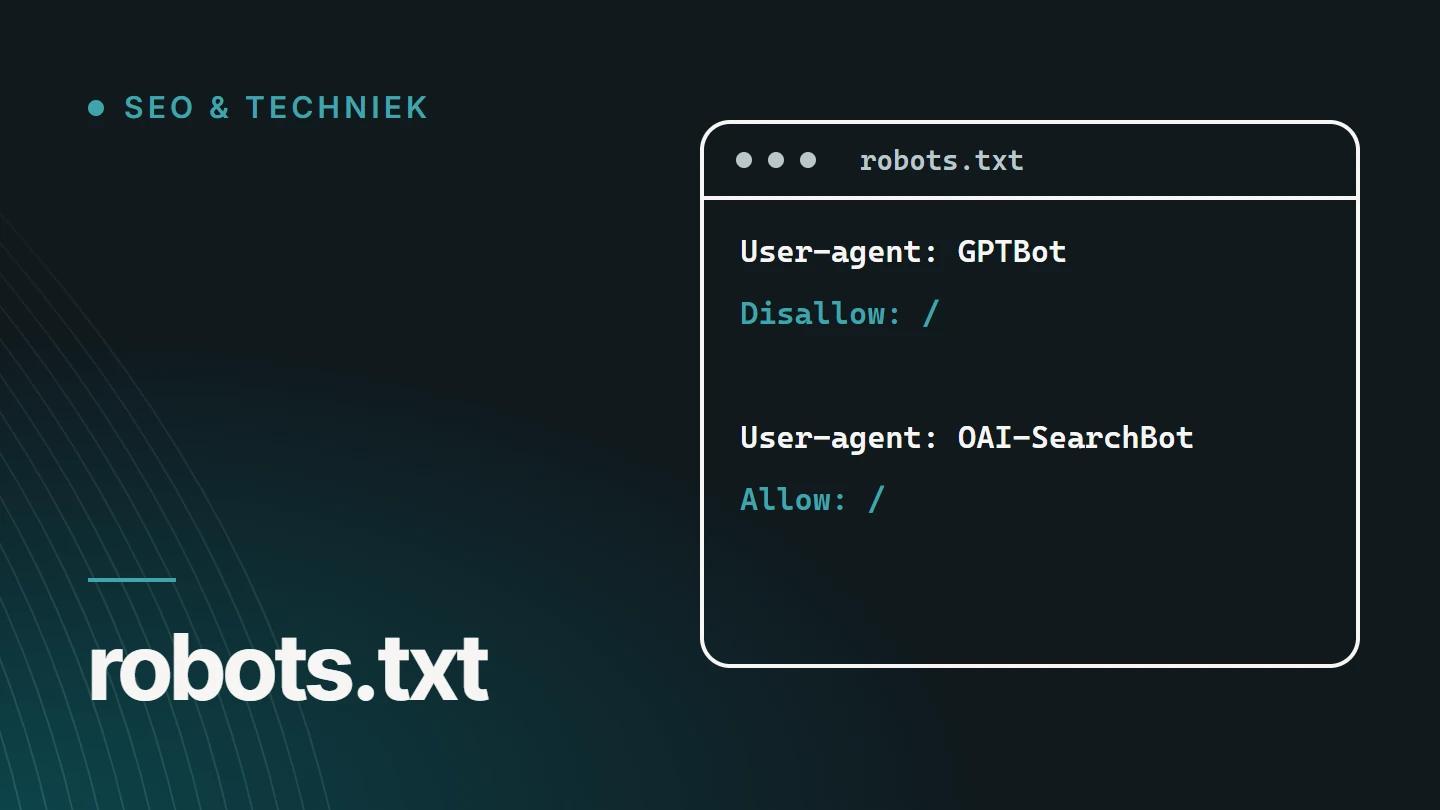
robots.txt is a text file in the root directory of your website in which you ask crawlers to fetch, or not fetch, certain parts of it. AI providers use their own crawlers with their own names, such as GPTBot and OAI-SearchBot, which you can allow or block separately in that file. It remains a request, not a lock.
By Dries Nijs, Organic Web Specialist
Last updated: 19 November 2026
At a glance
robots.txt and AI crawlers: the short answer
Most AI providers work with more than one crawler. One collects content that can be used to train models, another builds the search index from which the system draws sources for its answers, and a third fetches a page when a user specifically asks for it.
That distinction matters, because you can control them separately. If you block all AI crawlers in one go, you also exclude yourself as a source in AI search results. If you only want to refuse training, you can do so without giving up your visibility.
Below, for each provider, you will find which names are officially documented, what they do and what robots.txt can and cannot do. The details were checked on 17 November 2026; providers adjust their crawlers regularly.
Basics
How does robots.txt work?
The file is located at jouwdomein.be/robots.txt. A crawler that follows the convention reads it before fetching any pages.
The rules are laid down in a formal internet standard, the Robots Exclusion Protocol.
User-agent: *
Disallow: /wp-admin/
Allow: /wp-admin/admin-ajax.php

Sitemap: https://example.com/sitemap_index.xml- User-agent specifies which crawler the rules apply to. An asterisk means they apply to all crawlers.
- Disallow asks crawlers not to fetch a path. Allow makes an exception to that.
- A dedicated block takes precedence. If there is a block for a specific crawler, that crawler follows that block and not the general rules.
- Sitemap points to the list of your indexable pages.
Distinction
Three types of AI crawlers
The name of a crawler says little. What matters is what the fetched content is used for.
For the model
Training crawlers
They collect public content that can be used to train future models. Blocking them has no effect on your position in search results.
For the answers
Search crawlers
They build the index from which an AI system selects sources and shows links. If you block them, you will rarely, if ever, appear there as a source.
On request
User-initiated fetches
Someone pastes a link or asks the system to look at a page. That is not automated crawling, and providers treat it differently from their crawlers.
Reference
Which AI crawlers are officially documented?
This overview only includes names that the provider itself describes. Other bots also show up in your server logs; without official documentation, you cannot be sure who they belong to or what they do.
| Name in robots.txt | Provider | Type | What the provider says about it |
|---|---|---|---|
GPTBot | OpenAI | Training | Fetches content that may be used to train OpenAI’s models. |
OAI-SearchBot | OpenAI | Search | Used for ChatGPT’s search feature. Separate from GPTBot: you can allow one and block the other. |
ChatGPT-User | OpenAI | At a user’s request | Visits a page when a user asks it to. Not an automated crawler; robots.txt rules may not apply here. |
OAI-AdsBot | OpenAI | Advertising | Checks pages submitted as ads in ChatGPT. According to OpenAI, it only visits those pages; the data is not used to train models. |
ClaudeBot | Anthropic | Training | Collects public web content that may contribute to training models. Follows robots.txt. |
Claude-SearchBot | Anthropic | Search | Indexes content to improve the quality of search results for users. |
Claude-User | Anthropic | At a user’s request | Fetches pages when a Claude user asks a question that requires it. According to Anthropic, it follows robots.txt. |
PerplexityBot | Perplexity | Search | Used to surface and link to websites in Perplexity’s search results; according to Perplexity, not used to train foundation models. |
Perplexity-User | Perplexity | At a user’s request | Visits a page when a user’s question requires it; generally ignores robots.txt when doing so. |
Google-Extended | Token, not a crawler | Controls whether content that Google already crawls may be used to train Gemini models and for grounding. Has no effect on Google Search. | |
Applebot-Extended | Apple | Token, not a crawler | Controls whether content fetched by Applebot may be used to train Apple’s generative models. Content can still appear in search results. |
CCBot | Common Crawl | Open web archive | Builds an open, publicly accessible archive of web data. According to Common Crawl, it checks robots.txt first. |
Last checked: 17 November 2026. Every name in the table was found in the provider’s own documentation on that date. The list is not exhaustive: providers also describe other, more specialised agents.
Sources: the documentation of OpenAI, Anthropic, Perplexity, Google, Apple and Common Crawl, accessed on 17 November 2026. If in doubt, always read the provider’s own page: it takes precedence.
What about Google AI Overviews and AI Mode?
They are part of Google Search and use the regular Googlebot. There is no separate crawler you can block for AI Overviews. Google-Extended does not change that: that token concerns training Gemini models and grounding, not the search results.
If you do not want to appear in the AI features of Google Search, you are therefore left with the settings that also apply to standard search results, such as snippet restrictions. That directly affects how you are shown in the classic results. For most business websites, that is not a desirable trade-off. More on this in How do you appear in Google AI Overviews?.
Example
Allowing search and refusing training: what does that look like?
This is one possible choice, not a recommendation for every website. Each block applies to one crawler.
You can give Google-Extended and Applebot-Extended their own block in the same way. Note: according to Google, Google-Extended also controls grounding, meaning the use of your content as a source in Gemini.
# Zoekcrawlers van AI-systemen: toegelaten
User-agent: OAI-SearchBot
Allow: /

User-agent: Claude-SearchBot
Allow: /

User-agent: PerplexityBot
Allow: /

# Trainingscrawlers: geweigerd
User-agent: GPTBot
Disallow: /

User-agent: ClaudeBot
Disallow: /

User-agent: CCBot
Disallow: /
If your file has no block for a particular crawler, that crawler follows the general rules under User-agent: *. So an AI crawler you do not mention anywhere may do everything other crawlers may do.
Deciding
Allow or block AI crawlers?
There is no right answer for everyone. It depends on what your website needs to do.
Allowing search crawlers makes sense when
- you want to be found by people who ask an AI system for advice
- your website presents your services or products
- you want a system to use your own pages as a source, and not just what others write about you
Refusing training can make sense when
- your content is itself the product, such as paid articles or courses
- you do not want to contribute to training models on principle
- you have legal or contractual reasons to restrict reuse
For a business website, blocking search crawlers is rarely to your advantage: you disappear as a source, while the system can still talk about you based on other websites. What you do with training crawlers is a choice you make yourself.
Limitations
What robots.txt cannot do
- Enforce anything. The file is a request. Crawlers from well-known providers say they follow it; a bot with bad intentions does not read it.
- Secure anything. Anything that must not be public belongs behind a login. A Disallow rule at most reveals where it is.
- Stop user-initiated fetches. Several providers treat a visit requested by a user differently from automated crawling.
- Undo anything. A rule added today does not remove content that has already been fetched.
- Keep pages out of the index. Disallow prevents a URL from being fetched, not from being indexed. That is what noindex is for. See Website or page not indexed?.
If you want strict control, you need more than robots.txt: access control on the server, or firewall rules based on the IP ranges that providers publish.
Oversight
How do you check what your website allows?
Many websites block AI crawlers without the owner knowing, or allow everything without anyone ever having decided on it. Here is how to check.
01
Open your robots.txt
Type your domain followed by /robots.txt. Read the general rules first, then the blocks per crawler.
02
Look for an overly broad rule
A Disallow: / under User-agent: * shuts everyone out, search engines included. That happens more often than you would think after a website goes live.
03
Look beyond the file
Hosting, a CDN or a security plugin can block bots before they read your robots.txt. Check those settings too.
04
Check your server logs
There you can see which crawlers actually visit, and what response they receive.
05
Record your decision
Decide what you want for each type of crawler, and write down why. That way, the file does not become an accidental leftover.
06
Check it regularly
Providers add crawlers and change their behaviour. It can also take a while for a change to take effect everywhere.
Developments
What else is changing?
The landscape is not settled. In 2026, several providers announced that they intend to support a shared signal for AI training in robots.txt, so you no longer need to repeat your preference for each crawler. Adoption varies by provider, and the existing names continue to work.
There are also proposals such as llms.txt, which does not control access but provides an overview of your content. What it does and does not do is explained in llms.txt: what it does — and what it does not.
Robots.txt is, moreover, only one part of crawlability. Rendering, status codes, canonicals and internal links also determine whether a crawler can actually read your content. All of that falls under technical SEO.
FAQ
Frequently asked questions about robots.txt and AI crawlers
Do you need a robots.txt file?
It is not mandatory. Without a file, crawlers assume everything may be fetched. A robots.txt is useful, though, for excluding areas such as an admin area or internal search results, and for pointing to your sitemap.
Where can I find my website’s robots.txt file?
Always in the root directory: your domain name followed by /robots.txt. If it is anywhere else, crawlers will not read it.
How do I edit robots.txt in WordPress?
WordPress creates a virtual robots.txt file itself if there is no real file. You can edit it with an SEO plugin that includes a file editor, or by placing your own file in the root directory. Then check in the browser what is actually being served.
If I block GPTBot, will I disappear from ChatGPT?
Not through that rule alone. According to OpenAI, GPTBot is for training and OAI-SearchBot for ChatGPT’s search feature, and the settings are independent of each other. So you can block GPTBot and allow OAI-SearchBot.
Does robots.txt still work?
Yes, for crawlers that respect it, and those include the documented crawlers of the major search engines and AI providers. It is not a technical barrier: anyone who wants to ignore the convention can do so.
Is ignoring robots.txt illegal?
Robots.txt is a technical convention, not a law. Whether ignoring it has legal consequences depends on the country, the terms of use and copyright. That is a question for a lawyer, not a developer.
Further reading
The related service
Technical SEO as a service
Not sure whether search engines and AI crawlers can fetch and read your website? The service page explains how I investigate and resolve crawlability, rendering and indexing issues.

About the author
Dries Nijs, Organic Web Specialist
I am Dries Nijs, a developer and SEO consultant from Maasmechelen. I check crawlability in the code, the server settings and the logs, not just in a tool. MadeByDries is the personal brand under which I work.
Do you know which crawlers your website allows?
Tell me about your website. Then we can check what search engines and AI crawlers can read from it today.