


Web Development & Web Apps
What is a SaaS platform and when should you choose one?
A SaaS platform is software you use as a service via the browser: the provider manages the application centrally in the cloud, and customers log in with an account instead of installing anything. As a user, you choose one when an existing platform covers your process well enough; as a builder, when you want to offer the same software to many customers at once.
By Dries Nijs, Organic Web Specialist
Last updated: 19 November 2026
At a glance
What is a SaaS platform? The short answer
SaaS stands for software as a service. The software does not run on your own computer or server, but at the provider’s end. You open an address in the browser, log in and get to work. Updates, backups and hosting are the provider’s concern.
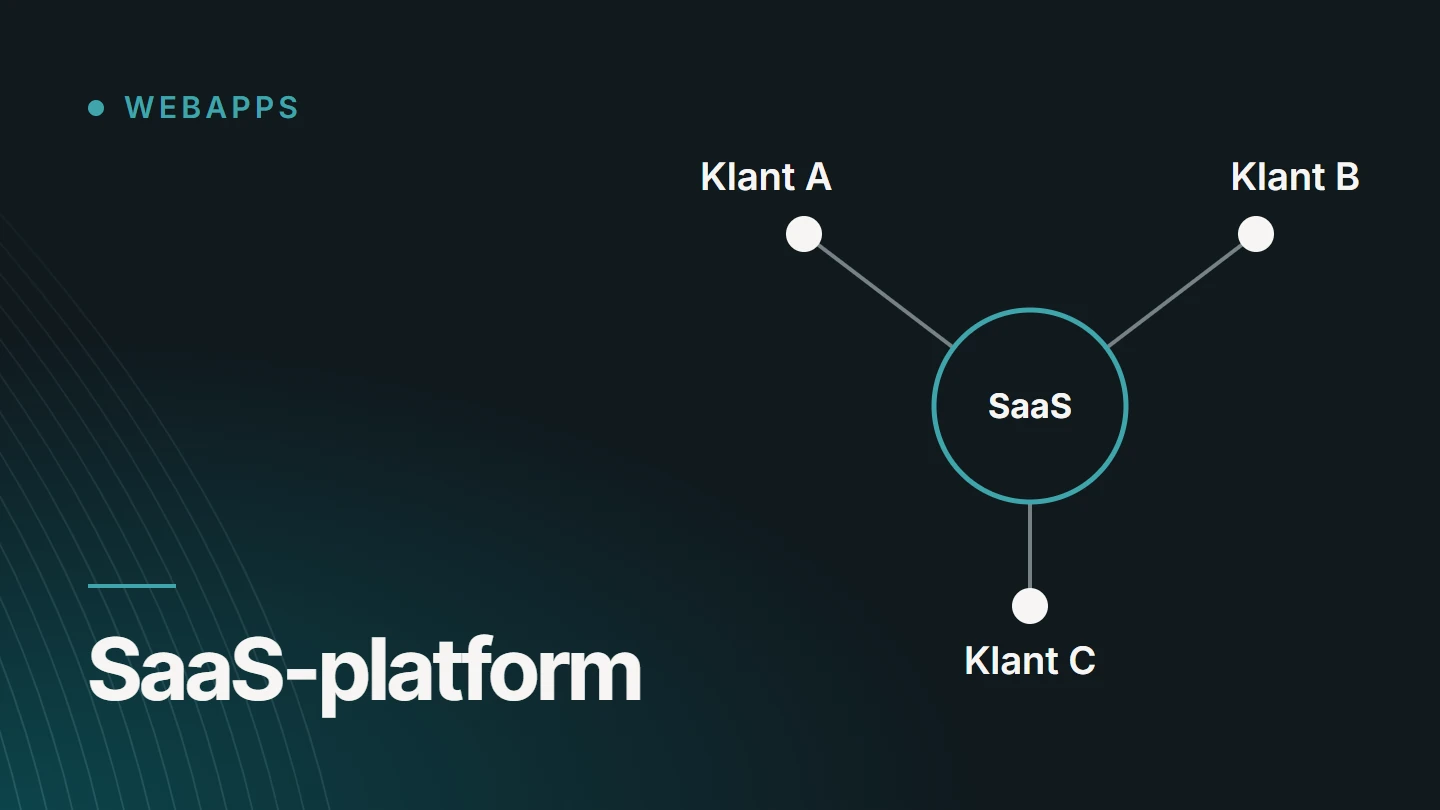
What sets it apart is that all customers use the same application, each with their own protected data. This allows the provider to maintain a single version and roll out improvements to everyone at once. Payment is usually by subscription, although that is a choice rather than a requirement.
Behind the term are two questions that often get mixed up: do I subscribe to an existing SaaS platform or have something built to measure, and do I want to offer a SaaS platform to customers myself? This article covers both.
Characteristics
How do you recognise a SaaS platform?
Not every application in the browser is SaaS. These characteristics recur in virtually every SaaS platform, and together they distinguish it from software you install yourself or have built. The technical foundation is that of a web application: see What is a web application?
- In the browser You open an address and log in. Nothing needs to be installed, on any device.
- In the cloud The application and the data are on the provider’s servers, and the provider also takes care of backups and monitoring.
- Accounts Each customer has their own environment, and each user within it has their own login.
- Roles and permissions An administrator can see and do more than a member of staff or a guest. Those permissions are enforced on the server.
- Central updates The provider updates a single version. An improvement or a security update is immediately available to all customers.
- Self-service sign-up and cancellation Customers usually register, invite users and manage their subscription themselves, without anyone else’s involvement.
Technology
Multi-tenant: one application for many customers
The technical heart of a SaaS platform is multi-tenancy. A tenant is one customer, with its users and data. All tenants use the same code, but must never see each other’s data. Storage can be organised in several ways, listed here from light to heavy. What the backend does in this respect is explained in Node.js as a backend.
01
Shared database with a customer identifier
All customers share the same tables, and each row carries the identifier of the tenant it belongs to. Easy to manage and update. However, the isolation depends on every query filtering on that identifier.
02
A separate schema per customer
One database, with a separate set of tables per tenant. The separation is clearer, but every change to the structure has to be carried out for all customers.
03
A separate database per customer
The strongest separation, and sometimes a requirement of larger customers. The trade-off is more administration: backups, updates and monitoring per database.
04
Isolation on the server
Whichever storage is chosen, the tenant and role check happens on the server with every request, never only in the interface.
Comparison
SaaS platform, standard website or bespoke internal system?
The three are often mentioned in the same breath, because all three work in the browser. They differ in who they are made for and who is responsible for them.
| Characteristic | Standard website | SaaS platform | Bespoke internal system |
|---|---|---|---|
| Goal | Informing and persuading | Performing a task for many customers | Performing a task for one business |
| Users | Anonymous visitors | Customers, each with their own users | Staff, sometimes customers or partners |
| Login | Not needed | Always, with accounts and roles | Always, with roles |
| Data | The same content for everyone | Strictly separated per customer | Belonging to one organisation |
| Adapting to your process | Not applicable | Within the platform’s settings | Fully: the system follows the process |
| Updates | By the site owner | Centrally by the provider | When the business requests it |
| Payment | One-off, plus hosting and maintenance | Usually a subscription | An investment, plus maintenance |
An internal system and a SaaS platform can be technically very similar. The difference lies in the number of customers running on it, and in everything that entails.
Business model
The subscription as a possible business model
SaaS and subscription are often used as synonyms. Yet the subscription is the provider’s choice, not a property of the technology. These are the common forms.
Monthly or yearly
Fixed subscription
A fixed price per period, often in a few plans, each with its own set of features. Predictable for both the customer and the provider.
Scales with you
Per user or usage-based
The price follows the number of users or what is consumed, such as storage or the number of documents processed. Fair as you grow, but less predictable.
Also possible
Without a subscription
A platform can be free for its users and paid for by an organisation, or be part of another service. It remains SaaS as long as the software is delivered centrally as a service.
Anyone building their own subscription platform has to handle not only the application but also invoicing, trial periods, cancellations and failed payments.
The choice
When should you choose a SaaS platform?
The question has three possible answers: subscribing to an existing platform, having your own system built for internal use, or bringing your own SaaS platform to market. For an SME, the first is usually the starting point.
Subscribing to an existing SaaS platform
- your process is similar to that of many other businesses
- you want to start quickly, without upfront investment
- you do not want to take on the maintenance yourself
A bespoke internal system
- your way of working is what sets your business apart
- existing platforms force you into workarounds
- only your own organisation uses it
Building your own SaaS platform
- you have expertise or a process that is also valuable to other businesses
- several customers are asking for the same solution
- you can keep providing support and ongoing development
Between subscribing and having something built, there are also hybrid options, such as an existing platform with a small bespoke component alongside it. They are set out in Bespoke software or an off-the-shelf package?
Costs
Costs and complexity in broad terms
As a user of an existing platform, the costs are clear: you pay for as long as you use it, and the amount usually depends on the number of users or the chosen plan. Do calculate over several years, though, and include the time needed for setting it up and learning to use it.
Building your own SaaS platform is of a different order. The application the customer sees is only part of the work. Around it comes everything an internal system does not need: registration and onboarding, separation between customers, subscriptions and invoicing, an admin environment for yourself, support, monitoring and the agreements around data.
Customers also expect a platform to work with the software they already use. How that works technically is covered in the article on API integrations.
That is why your own platform is best started small: one target group, one core process and a first group of customers who actually use it. I do not quote figures here. They depend on the scale, and at MadeByDries bespoke work is priced on request. How I approach such projects as a service is explained on the page about bespoke web applications and SaaS platforms.
FAQ
Frequently asked questions about SaaS platforms
What is the difference between SaaS and a web application?
A web application is the application itself: software that works in the browser. SaaS describes how it is offered: as a service, to many customers at once, managed by the provider. Virtually every SaaS platform is a web application. The reverse is not true: an application built for one business and used only there is not SaaS.
What is the difference between SaaS and the cloud?
Cloud is the broad term for computing power, storage and software that you obtain via the internet instead of managing it yourself. SaaS is one form of it: the ready-made application. There are also cloud services on which developers build and run their own software.
What does multi-tenant mean?
Multi-tenant means that one installation of the software serves multiple customers. Each customer, or tenant, sees only its own data and settings, while the code and infrastructure are shared. The opposite is single-tenant: a separate installation per customer.
Who owns my data in a SaaS platform?
That is set out in the provider’s terms, which are best read before you start. Check whether you can export your data in a standard format, where it is stored and what happens to it when you cancel. If the platform processes personal data on your behalf, a data processing agreement is required.
Can an existing web application become a SaaS platform?
Sometimes. If the application was built for one organisation, the separation between customers has to be added afterwards, in the database and in every check on the server. That is more far-reaching than it seems, which is why it is a choice best made early.
How much does it cost to have a SaaS platform built?
That depends on the scale: the number of roles, the processes, the integrations, the business model and the admin environment. A general figure therefore does not exist. At MadeByDries, pricing is on request, after an initial scoping. Starting with a limited first version is often possible.
Further reading
The related service
Having a SaaS platform built
Would you like to offer your own software product, or an internal system that follows your process? The service page explains which applications I build, how a project runs and what determines the scale.

About the author
Dries Nijs, Organic Web Specialist
I am Dries Nijs, a developer from Maasmechelen. I have been building for the web since the 1990s and today develop web applications and platforms in React, Next.js and Node.js, alongside websites in WordPress. When an existing platform is enough, I will tell you so. MadeByDries is the personal brand under which I work.
Thinking about your own SaaS platform?
Describe who it is for and what problem it solves. Then we will look at what a feasible first version would be, or whether an existing platform is already enough.