


AI & Automation
AI integrations: connecting AI to existing systems
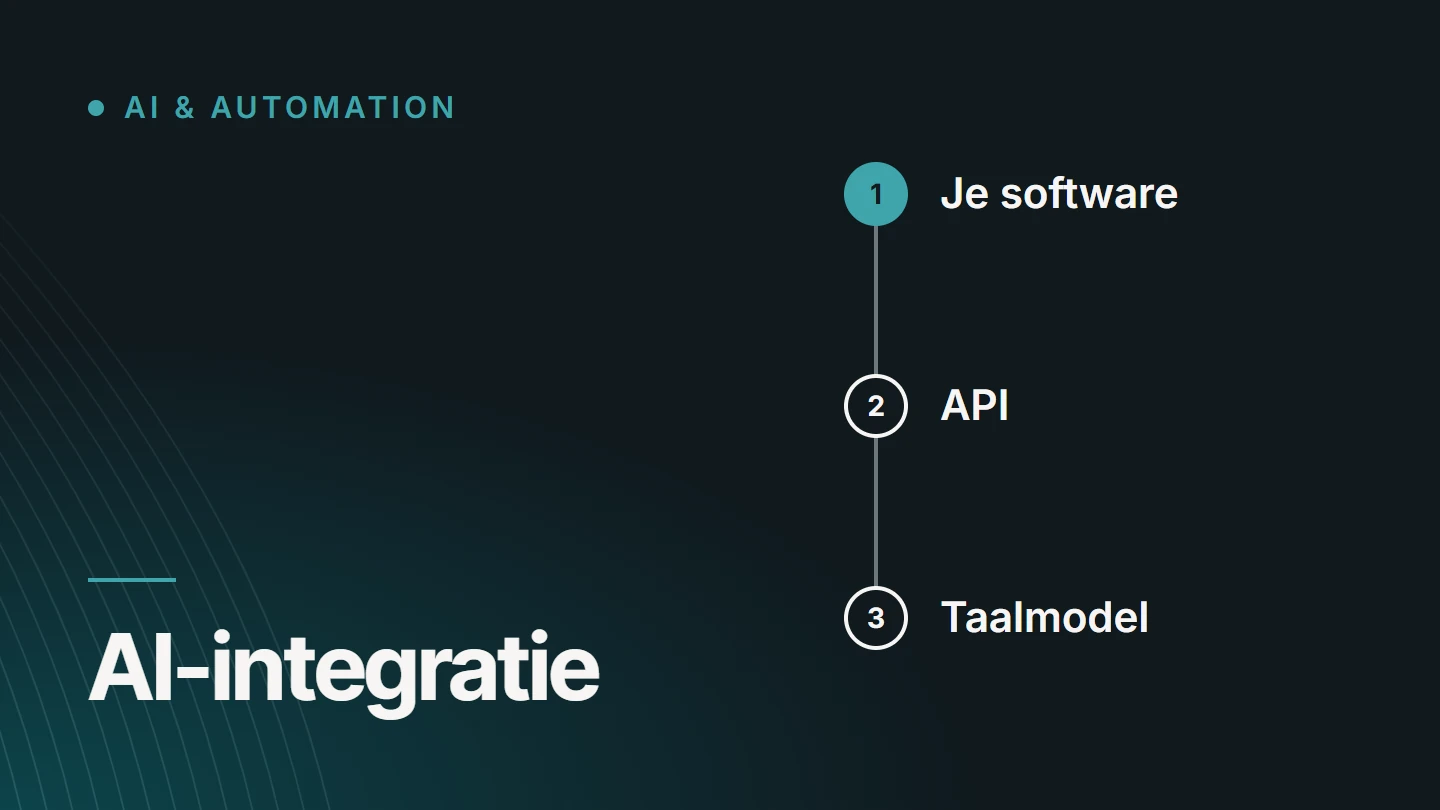
An AI integration is a connection between software you already use and a language model: via an API, your system sends a clearly defined task with the necessary data to the model and processes the response in an existing screen or step. The AI thus becomes a feature within your own software, rather than a separate tool into which staff paste text.
By Dries Nijs, Organic Web Specialist
Last updated: 19 November 2026
At a glance
What is an AI integration? The short answer
With an AI integration, your existing software remains the place where the work happens. An online shop, a CRM, a customer portal or an internal admin screen calls the model when there is a task that requires understanding or writing language: summarising a message, suggesting a text, extracting data from a document.
The model receives only what it needs for that one task and returns a result that your software can check, display or store. What happens to it next is up to you: a member of staff approves it, adjusts it or discards it.
Such an integration is therefore largely ordinary software work: defining the input, checking the output, safeguarding permissions and data. The model is one component in a chain that you design yourself.
Mechanics
How does an AI integration work?
The connection runs via an API: the agreed way in which two programs exchange data. The model provider makes the API available, and your own software calls it. You can read exactly what an API is in the article on API integrations.
01
A trigger in your software
A member of staff clicks a button, a message comes in or a record is saved. Your software decides when the model is called, not the other way round.
02
Assembling the input
Your software gathers what the model needs for this task: a fixed instruction and the data in question, such as the text of an email or the attributes of a product.
03
The API call
That bundle is sent to the model as a request. The key that grants access to the API is stored on your server and is never visible in the browser.
04
Checking the response
The model returns text or structured data. Your software checks whether the response has the agreed format and is usable before anything is done with it.
05
Processing it where the work happens
The result appears where the member of staff is already working: as a draft in a text field, as a suggestion next to a case file or as pre-filled fields that still need to be confirmed.
06
Logging
The call and the result are logged, so you can check afterwards what happened.
Existing software
Where does AI fit into existing software?
You build an integration into the systems that are already there. The software, the data and the users stay the same; a feature is added. Some places where that can make sense:
- An online shop Draft product descriptions or translations, built from the product data already in the system.
- A CRM or customer file A summary of past contacts, so you do not have to read through the entire history.
- A mailbox or ticketing system Sorting messages by type of question and preparing a draft reply for a member of staff.
- A CMS Preparing content: a summary, a meta description or a first version of a page based on your own notes.
- An admin environment Transferring data from an uploaded document into the right fields, for the user to confirm.
- An internal search function Answering plain-language questions from your own documentation.
Several of these steps in sequence form a workflow: a message comes in, is categorised, receives a draft reply and awaits approval. The order is fixed in your software; the model only carries out the steps that require language. When fixed steps are enough and when an agent makes sense is explained in AI agent or automation: what is the difference?
Input and output
Input and output: what goes in and what comes out?
At its core, a language model receives text and returns text. The quality of an integration therefore depends on how precisely you define both sides.
Fixed per task
The instruction
A description of what the model must do, in what tone and within what limits. It is the same for every call of the same task and belongs to your software, just like the rest of the code.
Different per call
The input
The data for this one case: the message, the document, the product attributes. Send only what the task requires. What the model does not receive, it cannot misuse.
What you get back
The output
Free text for a person, or structured data in an agreed format. With structured output, your software can check whether all fields are present and of the correct type.
A language model does not always give exactly the same answer to the same question. Allow for that in the design: check the format, catch unusable responses and decide what happens when the service is temporarily unavailable.
Data
Business data, privacy and security
Supplying business data
A language model does not know your business. Whatever it needs to know about your products, customers or arrangements, your software sends along with each call. That can be a single record, or a selection of passages from your documentation relevant to the question. How that retrieval works is explained in AI with business data: API, RAG and privacy explained.
Privacy
Every call sends data to an external service, unless you host the model yourself. So check in advance which data leaves your systems, where it is processed, how long the provider retains it and what the terms say about its use for training models. If personal data is involved, the GDPR is the framework. This is not legal advice: have your specific situation reviewed by someone with knowledge of privacy law.
Security
The integration only gets access to what the task requires. External text also deserves attention: an email or a web page can contain sentences that the model interprets as instructions. So treat the model’s output as untrusted input, and never let it change, send or delete anything without a check.
Oversight
Human oversight and logging
A language model can make a mistake in a sentence that sounds convincing. Anyone building an integration therefore decides in advance where a person reviews the output.
- A draft, not a final result What the model delivers is a suggestion. A person reads it through, approves it or corrects it.
- Oversight proportionate to the risk An internal summary needs less supervision than a text going out to a customer or an amount being posted to the accounts.
- Visible to the user The screen makes clear which content has been suggested by AI and not yet reviewed.
- Logging You record when the model was called and what it returned, so that an error can be traced.
- A fallback without AI If the service is unavailable or the response unusable, normal work can continue.
- Refining Whatever staff frequently have to correct is a sign that the instruction or the input needs adjusting.
Weighing up
When does AI really add value, and when does it not?
Not every feature gets better with a language model. It is strong at language, and less reliable where an outcome has to be exactly right.
AI adds value when
- the input is free text or a document
- something needs to be summarised, rewritten, translated or categorised
- a first draft saves work and someone reviews it
- small variations in the result are not a problem
- the task recurs often enough to justify the integration
AI adds little when
- a fixed rule or a formula does the same job
- the outcome must be exact and identical every time, as with a calculation
- the data the model needs is not available
- nobody reviews the result
- the feature is only being added because AI is expected
So start with the task, not the technology. How I build such an integration into existing software is described under AI integrations as a service.
FAQ
Frequently asked questions about AI integrations
What is the difference between an AI integration and a chatbot?
A chatbot is a separate window in which someone types questions. An AI integration sits inside the software itself: a button that creates a draft, a field that is filled in automatically, a message that has already been categorised. The user does not need to know how to phrase a question, because the task is fixed.
Can AI be connected to WordPress or an online shop?
Yes. A website or online shop can call a language model’s API on the server side, via an existing extension or via custom code. What matters is that the API key stays on the server and that an administrator can review the results before they go online.
Do I need bespoke development for an AI integration?
Not always. Much off-the-shelf software has its own AI features, and ready-made services exist for simple integrations. Bespoke development makes sense when the feature has to fit into your own systems, work with your own data or requires tighter control than a standard solution offers.
How much does an AI integration cost?
That depends on the task, the system it is built into, the data involved and the level of oversight you want. Beyond development, there is an ongoing cost for using the model, which generally grows with the number of calls. Bespoke work is priced on request.
Will my data be used to train the model?
That is set out in the provider’s terms, which can differ between a consumer product and business use via the API. Read them for the service you want to use, and do so before you send any customer data to it.
What if the model gives a wrong answer?
The design has to assume that it will. An integration that delivers drafts for a person to review catches a mistake before it has consequences. An integration that sends or changes something without a check does not. The greater the consequences of a mistake, the more oversight is needed.
Is an AI integration worthwhile for an SME?
That depends on the task, not on the size of the business. If a task involving text or documents recurs often and takes time every time, a small, well-defined integration can be worthwhile. If the work is rare or can be fully captured in rules, it delivers little.
Further reading
The related service
AI automation as a service
Would you like to build AI into software you already use? The service page explains how I approach automation and AI integrations, from defining the task to a working integration.

About the author
Dries Nijs, Organic Web Specialist
I am Dries Nijs, a developer from Maasmechelen. I have been building for the web since the 1990s: web applications in React, Next.js and Node.js, and websites in WordPress. In my own platforms, such as BM Jumpfun, Pelletkachelzorg and SEO Websites, I use AI via APIs. MadeByDries is the personal brand under which I work.
An AI feature in your own software?
Tell me which task you want to simplify and in which system. Together we will then look at whether an AI integration makes sense there.