


Web Development & Web Apps
What is a web application?
A web application is a program you use through a web browser and in which you carry out actions yourself, such as logging in, entering data, booking something or tracking an order, while the processing and storage take place on a server. You do not need to install anything: an address and a browser are enough.
By Dries Nijs, Organic Web Specialist
Last updated: 19 November 2026
At a glance
What is a web application? The short answer
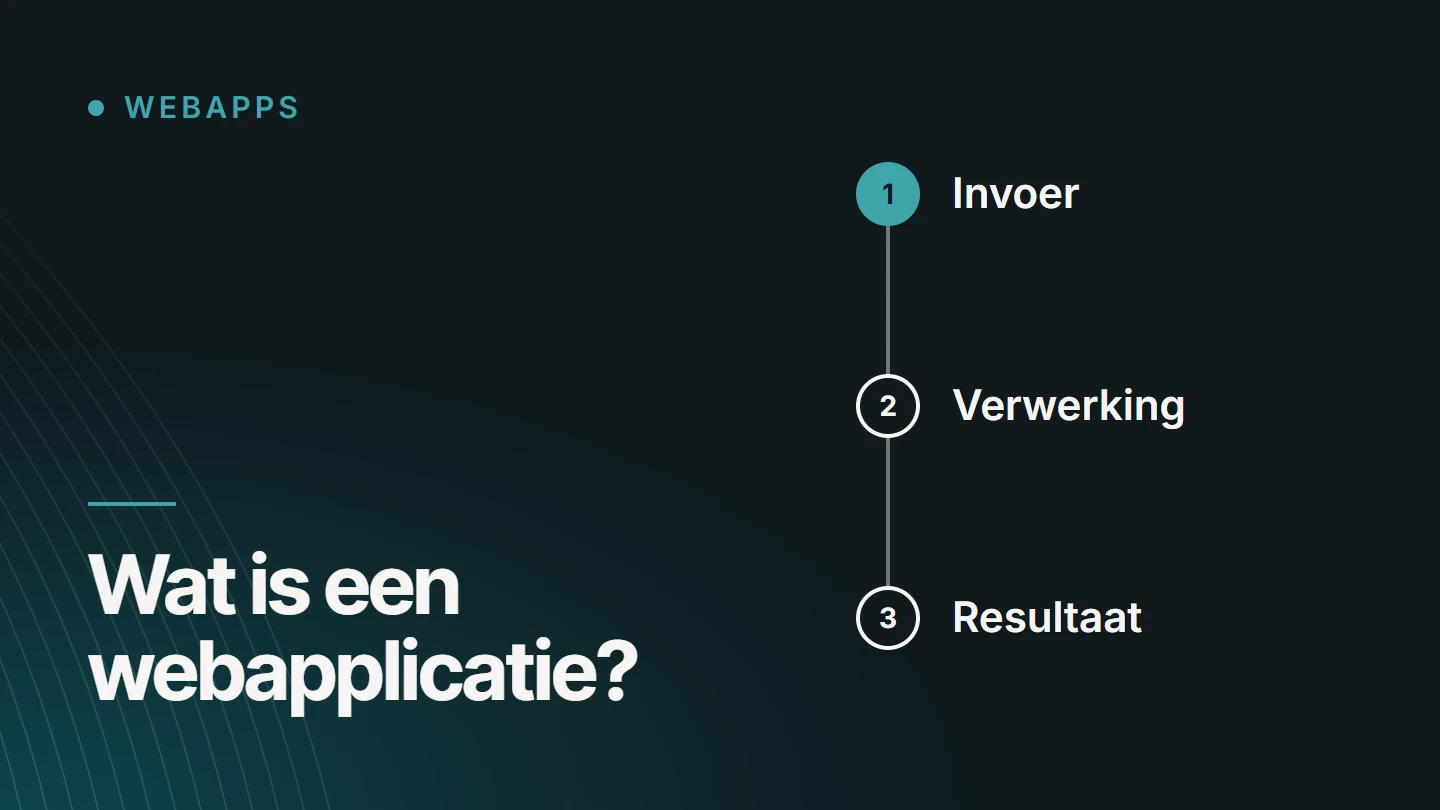
The difference from an ordinary website lies in what you do with it. You read a website. In a web application you work: you enter something, the system processes it and shows a result that depends on you and your data. So two users do not see the same screen.
Webmail, online banking, a booking system, a customer portal and an online accounting program are all web applications. You probably use several of them every day without calling them that.
The boundary is not sharp. An online shop is a website with a piece of application inside it, and many web applications have public pages that behave like a website. The term mainly says something about the centre of gravity: providing information or carrying out a task.
Examples
Examples of web applications
You can recognise a web application by three things: you usually log in, your data is stored, and what you see depends on who you are and what you did before.
- Webmail You read, write and organise email in the browser, with the same content on every device.
- Online banking Viewing accounts and making payments, with strict log-in and permissions.
- A booking system Showing availability, recording a booking and sending a confirmation.
- A customer portal Customers track their own case, documents or invoices.
- An online accounting program Creating invoices, matching payments and requesting reports without local software.
- A planning tool Managing tasks, shifts or appointments with several people at the same time.
- A configurator Putting a product together and immediately seeing the result or an indicative price.
- A dashboard Bringing figures from different sources together in one overview.
Comparison
What is the difference between a website, a web application and an app?
By ‘app’, most people mean a native app: a program you install on your phone from an app store. A web application sits in between. It works like a program, but lives on the web.
| Characteristic | Website | Web application | Native app |
|---|---|---|---|
| Goal | Informing and persuading | Carrying out a task | Carrying out a task on one type of device |
| Content | The same for everyone | Different for each user | Different for each user |
| Installation | None | None, at most a shortcut | Through an app store |
| Updates | Immediately for everyone | Immediately for everyone | The user has to install the update |
| Devices | Any device with a browser | Any device with a browser | One version per operating system |
| Access to the device | Limited | Through what the browser allows | Extensive: sensors, notifications, background tasks |
| Findable in search engines | Yes | The public pages are, the part behind the login is not | Not through the content, but through the app store |
For many business applications, a web application is the logical choice: one version for all devices, no app store approval and updates that everyone gets immediately. A native app becomes interesting when you need to make intensive use of the device’s own capabilities.
Related terms
Web application, SaaS and PWA: what is what?
Three terms that are used interchangeably, but each describes something different: what it is, how it is sold and how it behaves.
What it is
Web application
The application itself: software that works in the browser. It can be custom-built for one business, or for many customers at once.
How it is sold
SaaS
Software as a Service: an application you take out as a subscription, usually per user or per month. Most SaaS products are web applications, but not every web application is SaaS.
How it behaves
PWA
A progressive web app is a web application that can behave like an installed app: an icon on the home screen, its own window and, where it has been built that way, offline functionality.
What a PWA involves technically is explained in MDN’s documentation on progressive web apps.
Technology
How does a web application work?
You do not need to be a developer to understand how it is structured. Every web application consists of the same layers, and those names come up in a quote or a conversation with a developer.
01
The frontend
The part you see and operate: screens, forms and buttons. It runs in the browser and today is often built with a JavaScript library such as React.
02
The backend
The code on the server that decides what is allowed and what happens: checking a booking, calculating a price, sending a message. This is where the business rules live.
03
The database
The place where the data is stored: users, orders, case files. Its structure determines what the application can still learn to do later.
04
The API
The agreed way in which the frontend and backend talk to each other, and through which the application exchanges data with other systems.
05
Login and permissions
Who are you, and what are you allowed to see and do? That check takes place on the server, not just on screen.
06
Hosting and maintenance
The environment on which everything runs, with backups, updates and monitoring. A web application is never finished: it needs to be maintained for as long as it is used.
The choice
When is a website enough, and when do you need a web application?
Not every idea calls for an application. Often a good website with a form or an integration already solves the problem. These two lists help you make the distinction.
A website is enough when
- visitors are mainly looking for information
- contact takes place through a form, phone or email
- everyone may see the same content
- an existing service can handle the booking or payment
- you want to manage the content yourself in a CMS
A web application makes sense when
- users log in and have their own data
- there is a process with steps and statuses behind it
- different roles may see and do different things
- data from several systems comes together
- existing software cannot follow your process
Torn between existing software and something bespoke? That is a separate trade-off. It is covered in detail in Bespoke software or an off-the-shelf package?
Bespoke
Having a web application built
If there is no software that follows your process, a bespoke web application can be built. The work then does not start with the screens, but with the questions underneath: who uses it, which data is needed, and which steps does a case or an order go through?
I build applications like these with React and Next.js, with Node.js on the server side. How that works as a service, from the initial scoping to launch, is explained on the page about bespoke web applications.
FAQ
Frequently asked questions about web applications
What is the difference between an app and a website?
A website shows information that is the same for every visitor. An app, whether it runs in the browser or is installed on your phone, lets you do something with your own data. A web application combines the two: the convenience of a website and the functionality of a program.
Is an online shop a web application?
Partly. The product pages work like a website: everyone sees the same content and they need to be findable. The basket, the checkout and the customer area are application: they work with your data and your order.
How do I install a web app?
You do not install an ordinary web application: you open the address in your browser. If it has been built as a progressive web app, the browser offers the option to add it to your home screen or install it. It then opens in its own window.
How much does a web app cost?
That depends on what it needs to do: the number of roles, the processes, the integrations with other systems and the security requirements. As a result, there is no single figure. At MadeByDries, pricing for web applications is available on request, after an initial scoping of the project.
Can ChatGPT build an app?
An AI system can write code and is therefore a useful tool in development. A working application requires more than code: choices about the architecture, security, data and maintenance afterwards. That responsibility remains with the people who build and manage the application.
Can a web application be found in Google?
The public pages can, provided they are built so that a search engine can read the content. Everything behind the log-in does not belong in a search engine and is not indexed either.
Does a web application also work on a phone?
Yes, if it is built to be responsive. The same application then adapts to the screen. That is one of the reasons businesses choose a web application instead of separate apps for each operating system.
Further reading
The related service
Bespoke web applications as a service
Do you have a process that does not fit existing software? The service page explains which applications I build, how a project runs and what determines its scope.

About the author
Dries Nijs, Organic Web Specialist
I am Dries Nijs, a developer from Maasmechelen. I have been building for the web since the 1990s and today develop web applications in React, Next.js and Node.js, alongside websites in WordPress. MadeByDries is the personal brand under which I work.
Not sure whether you need a web application?
Describe the process you want to simplify. Then we can look at whether a website, existing software or a bespoke solution fits best.