


WordPress & WooCommerce
Slow WordPress website? Causes and solutions
A slow WordPress website often has more than one cause: hosting that is too limited, missing caching, images that are too heavy, too many plugins, a heavy theme, a cluttered database or external scripts. First measure where the time is being lost, then tackle the biggest cause first.
By Dries Nijs, Organic Web Specialist
Last updated: 19 November 2026
At a glance
Why is my WordPress website slow?
WordPress builds each page at the moment someone requests it: the server runs PHP code, retrieves data from the database and sends the result to the browser. The browser then loads the images, styles and scripts. Time can be lost at each of those points.
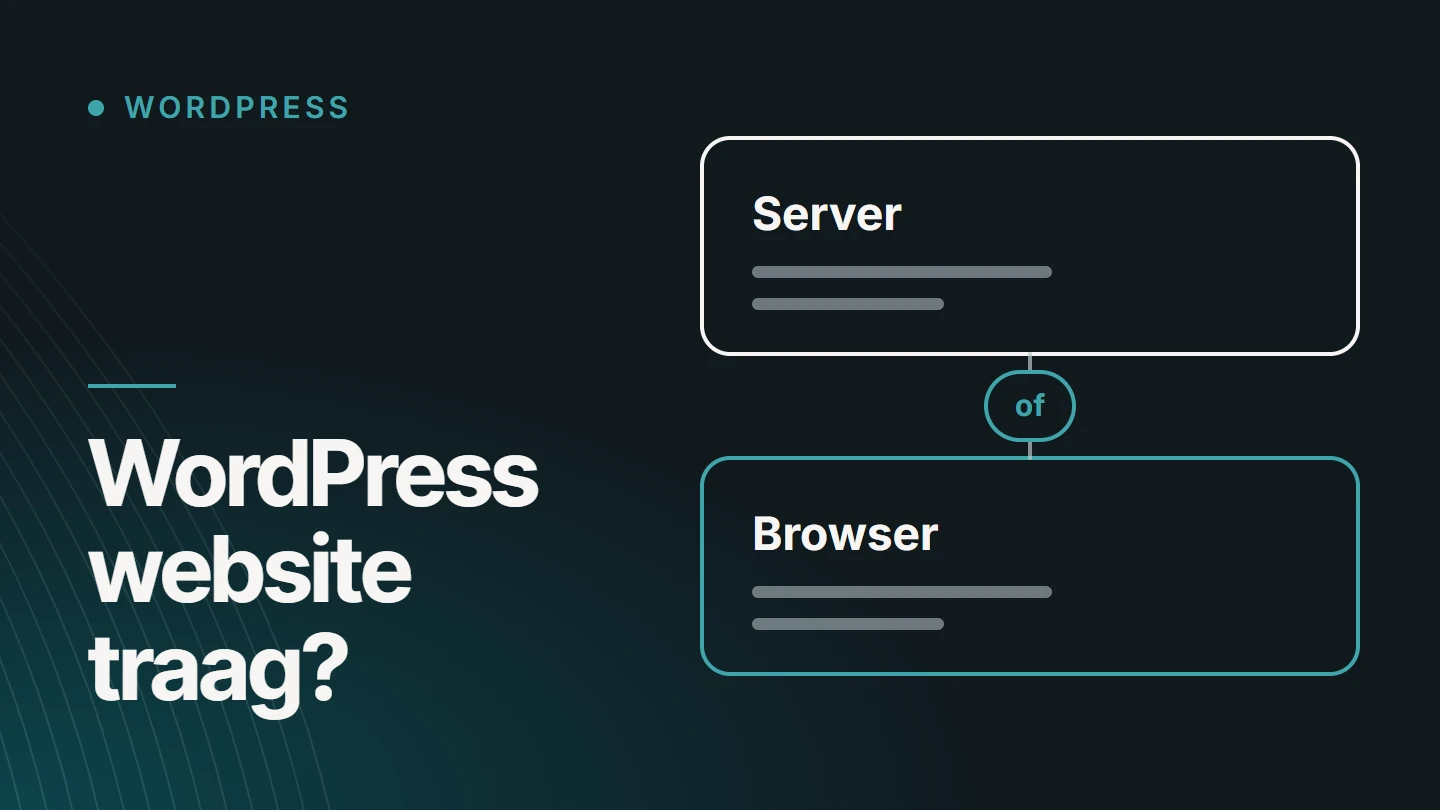
So the cause lies either on the server side (hosting, caching, the database, plugins that do work on every request) or on the browser side (images, fonts, JavaScript from the theme, the page builder or external services). If you know which side the problem is on, you also know where to look.
So do not start with a new plugin; start with a measurement. That saves work, and it stops you from fixing a cause that is not the biggest one on your website.
Step one
Measure first: where is the time being lost?
A feeling of slowness is not a diagnosis. With a free test such as Google’s PageSpeed Insights, you can see for each page where the delay lies.
Google describes three metrics for a visitor’s experience, the Core Web Vitals. An LCP of 2.5 seconds or less, an INP of 200 milliseconds or less and a CLS of 0.1 or lower are considered good. You can read what those values mean in Improving Core Web Vitals.
01
Test more than the homepage
Include a service page, a blog post and, for an online shop, a category page and a product page. Each type of page can have a different cause.
02
Look at mobile first
A phone has less processing power and often a slower connection. What seems smooth on your laptop can stutter on mobile.
03
Test while logged out
As a logged-in administrator, you usually see the version without caching. Use a private window to see what a visitor gets.
04
Distinguish between tests and real-world use
A lab test measures one moment on one device. Data from real visitors, where available, shows what people actually experience.
05
Note the server response time
If it takes a long time for the first byte to arrive, the problem lies before the browser: with the hosting, the caching or the code on the server.
Symptoms
Which symptom points to which cause?
The same complaint, ‘the website is slow’, can have very different causes. This table helps you find the right direction before you change anything.
| What you notice | Likely cause | Where to look first |
|---|---|---|
| It takes a long time for anything to appear | The server responds slowly | Hosting, caching and plugins that do work on every request |
| The text appears, but the images arrive late | Images that are too heavy or too large | Dimensions, file format and lazy loading |
| The layout jumps while the page loads | Images or blocks without fixed dimensions, fonts that load late | Image width and height, font loading |
| The page responds slowly to a click or tap | Too much JavaScript | Scripts from the theme, the page builder, plugins and external services |
| Only the admin area is slow | Heavy plugins or a cluttered database | Plugins that do work in the admin area, stored revisions and temporary data |
| The website is slow at busy times | Insufficient capacity | The hosting plan and the caching |
If you see several symptoms at once, several causes are at play as well. That is common for a website that has been running for a few years.
Causes
Seven causes of a slow WordPress website
For each cause, you can read what happens and what you can do about it. I deliberately do not name brands: the right solution depends on your website and your hosting.
01
Hosting
A cheap shared plan shares processing power with many other websites. An outdated PHP version also costs speed. Check which PHP version your website uses and whether your plan still suits the number of visitors and what the website needs to do.
02
Caching
Without caching, the server rebuilds every page from scratch each time. With caching, the result is stored and sent immediately. Page caching often delivers the biggest gain, but it must be configured correctly: a shopping basket or a customer area should never be served from a cache.
03
Images
A photo of several megabytes displayed 400 pixels wide on screen is the classic mistake. Supply images at the size at which they are displayed, in a modern format, and only load images below the fold when they come into view.
04
Plugins
It is not the number that counts, but what each plugin does. One badly built plugin can slow things down more than twenty lightweight ones. Plugins that load scripts on every page, even where they do nothing, are the first to examine. Remove whatever you do not use.
05
Theme and page builder
A theme that can do everything also loads code for everything you do not use. A page builder makes building easier and adds extra HTML, CSS and JavaScript to do so. That is no reason to avoid it, but it is a reason to build sparingly: few nested blocks, few animations, no unused elements.
06
Database
After a few years, the database holds thousands of revisions, expired temporary data and leftovers from deleted plugins. Data that is loaded automatically on every request weighs most heavily. Never clean it up without a backup.
07
External scripts
Chat widgets, videos, maps, fonts, advertising and analytics scripts come from other servers, and your website waits for them. For each script, ask whether it is needed on every page, and where possible load it only after the visitor takes an action.
Approach
In what order should you tackle it?
Start where the gain is greatest and the risk smallest. Measure again after each step, so you know what each change has achieved.
Do not change everything at once. If something breaks afterwards, you will not know which change caused it.
01
Make a backup
Of the files and the database, and check that you can restore them.
02
Update
WordPress, the theme, the plugins and the PHP version. Outdated software is often slower and carries more risk.
03
Clean up
Remove plugins and themes you do not use, and replace those that overlap.
04
Set up caching
Page caching first, then browser caching for files that rarely change.
05
Tackle the images
The largest images above the fold first: they determine how quickly the page appears to be ready.
06
Limit the scripts
Load only what a page needs, and defer what is not needed straight away.
07
Only then look at the hosting
If the server is still slow after all of the above, a different plan or a different environment is the next step.
Checklist
What can you check yourself?
You do not need to be a developer for these ten points. You will find the answers in the WordPress admin, in your host’s customer panel and in a speed test.
- Which PHP version does your website use, and is it still supported?
- Is page caching enabled, and does it work for logged-out visitors?
- How many plugins are active, and which ones do you no longer use?
- Are WordPress, the theme and the plugins up to date?
- How heavy is the homepage in total, and which file is the largest?
- Are images displayed at the size at which they were uploaded?
- How many external services does a page load?
- How many fonts and variants does the design use?
- Does the layout jump when the page loads?
- Is the website also slow in a private window on your phone?
If these points do not get you there, the cause lies deeper: in the theme’s code, in a plugin that runs heavy database queries or in the server configuration.
Pitfalls
What does not fix a slow website
- Adding yet another plugin. Three optimisation plugins trying to do the same thing work against each other.
- Ticking every option. Aggressively combining and deferring scripts can break forms, menus or the basket.
- Chasing a score of 100. The score is a tool. What counts is what a visitor experiences on their device.
- Upgrading to more expensive hosting straight away. A more powerful server masks a heavy website, but does not fix the cause.
- Optimising once and calling it done. Every new plugin, every new image and every new script can undo the gains.
Speed is not a one-off fix, but a result of how a website is built and maintained.
Online shops
Is a slow WooCommerce shop a different story?
The causes are the same, but an online shop has a few more. The basket, the checkout and the customer area are different for every visitor and therefore cannot be served from a page cache. That is where the speed of the server and the database counts most.
The catalogue plays a part too. Many products with many variants, filters on multiple attributes and extensive search functions require heavy database operations. Plugins for payment, shipping, invoicing and stock do work with every order, and sometimes with every page view as well.
So for an online shop, always test the full journey: category, product, basket and checkout. A fast homepage says little about the place where sales happen.
Help
When should you bring someone in?
When the checklist does not reveal a clear cause, when a change breaks something else, or when the delay lies in the code of the theme or a plugin. At that point, it is a job for someone who can also open up the website itself.
If your website does not stay fast after a one-off fix, what is often missing is follow-up. That is part of WordPress maintenance: keeping track of what changes, and stepping in before it becomes a problem.
FAQ
Frequently asked questions about a slow WordPress website
Why does my website load so slowly?
Because time is being lost somewhere between the server and the browser. On the server side, that means hosting, missing caching, the database and plugins. On the browser side, it is images, fonts and scripts. A speed test shows which side weighs most heavily.
How can I test my page speed?
With a free test such as Google’s PageSpeed Insights. Enter a page’s address, look at the mobile result first and test several types of page. Repeat the test a few times: a single measurement can turn out well or badly by chance.
How do I make my WordPress website faster?
Work in a fixed order: make a backup, update everything, remove unused plugins, set up caching, reduce the image sizes and limit the scripts. Measure after each step, so you know what helped.
Does a page builder make WordPress slow?
A page builder adds extra code, so a page becomes heavier than the same page in hand-written code. How big the difference is depends mainly on how it is built. A sparingly built page with a page builder can be faster than an overloaded page without one.
Is a slow website bad for SEO?
The Core Web Vitals are part of the signals Google uses to assess the experience on a page. Relevant content carries more weight, but between comparable pages, speed can play a role. More important is the effect on visitors: people who have to wait are quicker to leave.
Does a caching plugin solve everything?
No. Caching hides a slow server from most visitors, but not from those who are logged in or have something in their basket. Heavy images and scripts remain just as heavy. Caching is an important step, not a complete solution.
Further reading
The related service
WordPress maintenance as a service
Would you like someone to find the cause on your own website and then keep an eye on its speed as well? The service page explains what maintenance involves.

About the author
Dries Nijs, Organic Web Specialist
I am Dries Nijs, a developer and SEO consultant from Maasmechelen. I have been building for the web since the 1990s and today work in WordPress, React and Next.js. I look at speed as a developer: in the code and on the server, not just in a score. MadeByDries is the personal brand under which I work.
Is your WordPress website still slow?
Send me the address and what you have already tried. Then I will look at where the delay lies.