


WordPress
WordPress maintenance that keeps your website secure, fast and up to date
A WordPress website is software, and software ages. Updates, security, backups and speed need attention, even when nothing changes on the front end. I take care of that technical maintenance, so your website keeps working and you do not have to think about it.
- Updates with checks
- Backups
- Security
- Direct contact with the developer
At a glance
What is WordPress maintenance?
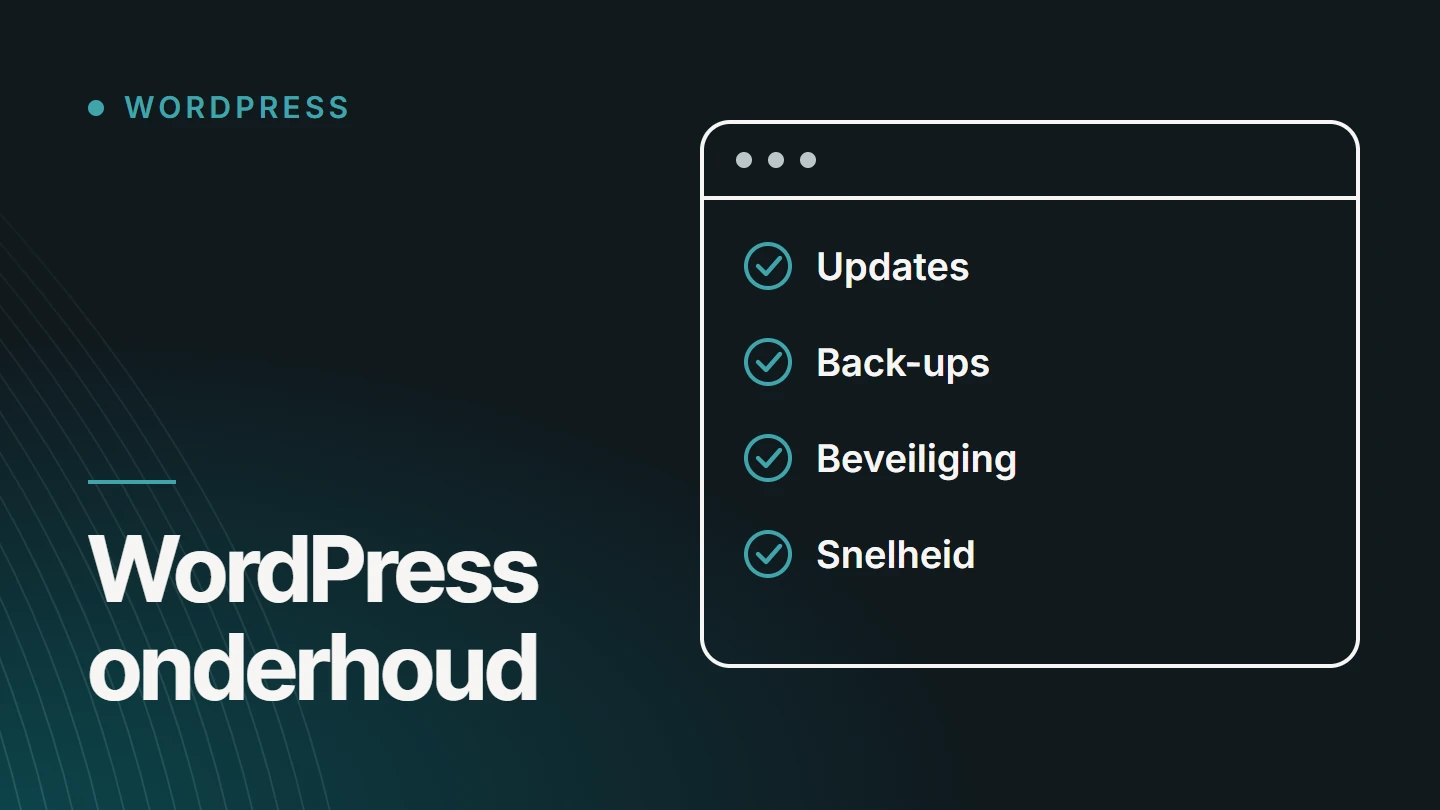
WordPress maintenance is the technical work that keeps a WordPress website secure, fast and usable once it is live: updates to WordPress itself, the theme and the plugins, backups, security, error checks and speed monitoring. It is not editorial work and not a redesign, but maintenance of the engine.
At MadeByDries, Dries Nijs carries out that maintenance himself, as a developer who also builds WordPress websites. That means it does not stop at clicking an update button: if something breaks after an update, I look for the cause in the code and fix it.
You can bring me in for a one-off maintenance session or for recurring support. After an initial look at your website, I can define the scope and price.
Why
What happens when no one maintains a website
A website without maintenance keeps working for a while. The problems build up unnoticed, until one day something visibly goes wrong.
- Vulnerabilities stay open Outdated plugins are the most common way into a WordPress website.
- Updates become riskier The longer you wait, the bigger the jump and the greater the chance of a conflict.
- The website slows down A growing database, plugins piling up and images that were never resized.
- Forms stop working An enquiry form that no longer sends is often only noticed weeks later.
- The server software moves ahead A new PHP version at your host can cause old code to crash.
- There is no way back Without a recent, tested backup, an error or a hack is much harder to recover from.
Components
What my WordPress maintenance includes
Six components. Which ones you need and how often depends on your website: an online shop with payments needs more than a compact business website.
01
Updates
WordPress itself, the theme and the plugins, in the right order and checked afterwards. For major version jumps, I read up on what is changing beforehand, so an update is not a gamble.
02
Backups
A complete copy of files and database, stored outside the website itself. A backup only counts if you can actually restore it.
03
Security
Strong access controls and correct user roles, no abandoned plugins or themes, and the basic measures from the official WordPress guide to hardening an installation. No one can guarantee that a website will never be attacked, but the risk can be reduced.
04
Performance
Caching, images, the database and the scripts each page loads. I look at what visitors experience on a phone, not just at a score in a test. How to read those metrics is explained in Improving Core Web Vitals.
05
Plugins and compatibility
Which plugins are still needed, which overlap and which are no longer maintained. Fewer plugins means fewer updates, less risk and often a faster website.
06
Technical check-up
The PHP version, error messages in the logs, whether forms and emails arrive, broken links and expired licences. Small defects that you do not see as a visitor, until they become a problem.
How I work
How an update works
An update is rarely the problem. An update without a backup and without checks is.
For risky changes, the work can be done in a test environment first.
01
Backup
First, a complete copy of files and database, so there is always a way back.
02
Review what changes
For major versions, I read the changes and any known issues with the theme or other plugins.
03
Update
In a fixed order, not everything at once, so an error can be traced back to a single component.
04
Check
The most important pages, the forms and, for an online shop, the order flow, on desktop and mobile.
05
Report
You hear what has been updated and whether anything stood out that needs attention.
Speed
Speed is part of maintenance
A WordPress website rarely becomes slow all at once. It slows down gradually: an extra plugin, a heavier image, a database that has never been cleaned up. That is why I also look at speed during maintenance, and not only when someone complains about it.
Is your website already slow and are you looking for the cause? That is a different starting point from maintenance: it begins with measuring and investigating. The causes and solutions are set out step by step in Slow WordPress website?
Format
One-off or ongoing?
Both are possible. With me, maintenance is an arrangement that suits your website, not a package that comes with every website.
Sorted in one go
One-off maintenance session
A review of the entire website, followed by the updates, a clean-up of plugins and database, and a list of what else deserves attention. Useful when a website has not been maintained for a long time.
Kept in order
Recurring support
Updates, backups and checks on a fixed schedule that we agree together. Useful for online shops, websites with many plugins and websites that enquiries or sales depend on.
If I built your website, maintenance is not an obligation afterwards: hosting and maintenance can be agreed in addition, but they are not a mandatory monthly rental plan.
Existing websites
Also for a website I did not build
You do not need to be an existing client to have your WordPress website maintained. In that case, I start with a review: which theme and plugins are running, what is outdated, how backups are arranged and where the risks lie. Only then do we agree on what I take over.
For that review, I need access to the website’s back end and preferably to the hosting as well. I use that access only for the work we agree, and you can revoke it at any time. You receive my findings in writing, even if you then decide to do the maintenance yourself.
Sometimes the review shows that maintenance is not enough, for example when the theme is no longer updated or the website relies on abandoned plugins. Then I will say so, and we consider whether repairs or a website redesign is the wisest choice.
Scope
What maintenance is not
- Not a redesign: the design and structure stay as they are.
- Not content management: you manage text, images and news yourself, or we agree on that separately.
- Not new features: an extension is a separate assignment with its own scope.
- Not a guarantee against every attack or outage: but less risk and a tested way back.
If things do go wrong and your website is hacked, what matters most is acting quickly and in the right order. What to do first in that situation is explained in WordPress hacked: what should you do first?
Organic Web
Maintenance as part of the whole: Core. Code. Growth.
To me, a website is one system of design, code and visibility. I call that Organic Web. Maintenance is the part that ensures what has been built keeps performing.
01
CORE.
The content and structure of your website remain the foundation: maintenance does not change them.
02
CODE.
The software underneath stays up to date, secure and fast.
03
GROWTH.
A website that is technically sound can be expanded further without risk.
Projects
WordPress websites I have built
Maintenance needs someone who knows how a WordPress website is put together on the inside. These are three websites I designed and developed.
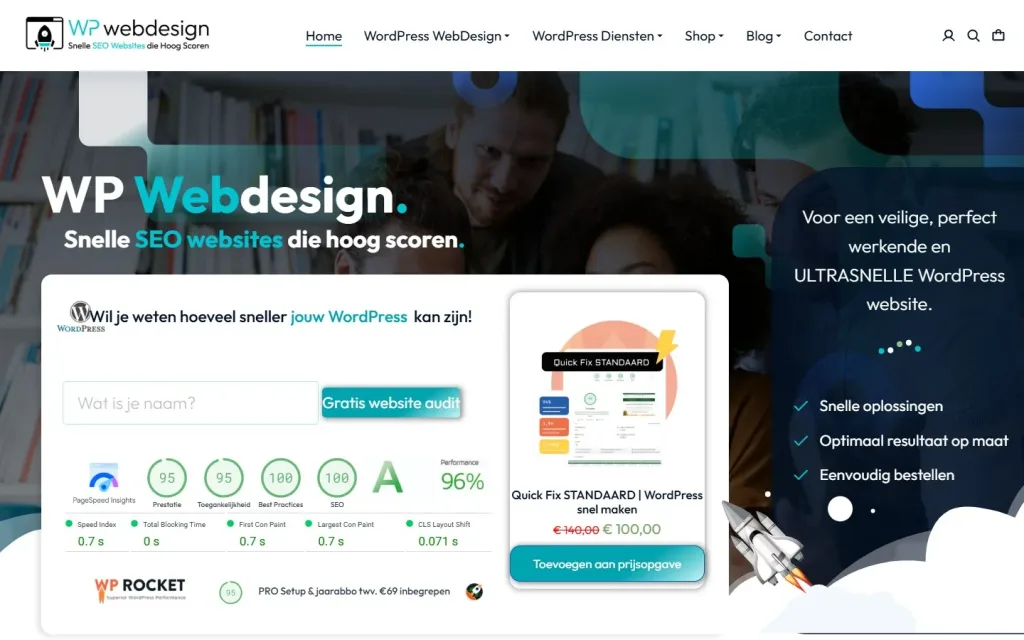
Website · E-commerce · Performance Optimisation · SEO
WP Webdesign
WordPress services platform for web design, speed optimisation, SEO, maintenance and audits, with a WooCommerce shop for fixed packages.
- WordPress
- WooCommerce
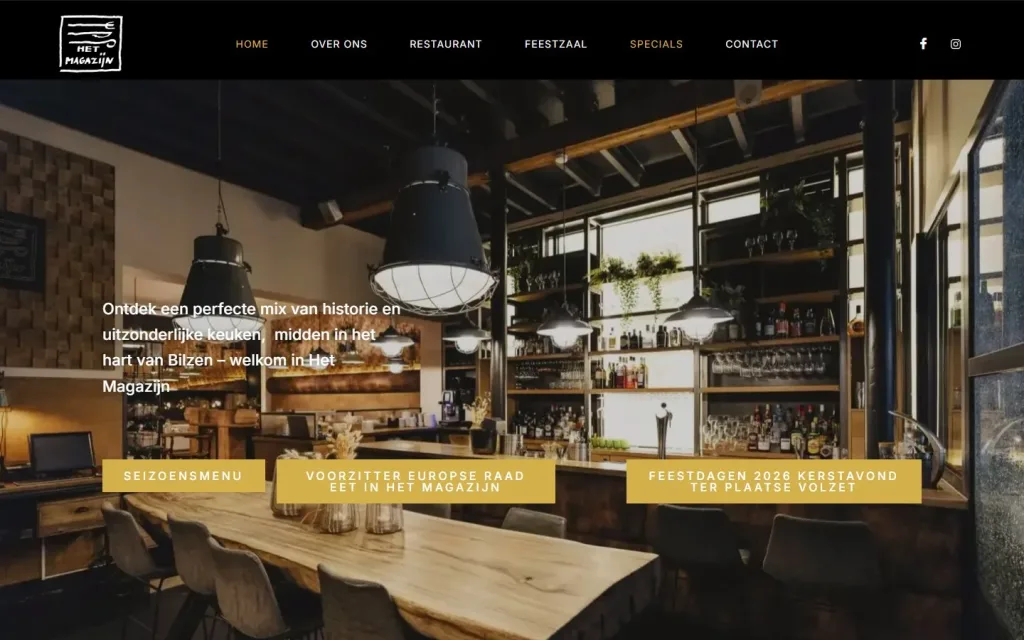
Website · SEO · Web design
Het Magazijn
Restaurant website for Het Magazijn in Bilzen, with online table booking, separate pages for the restaurant and the function room, and specials.
- WordPress
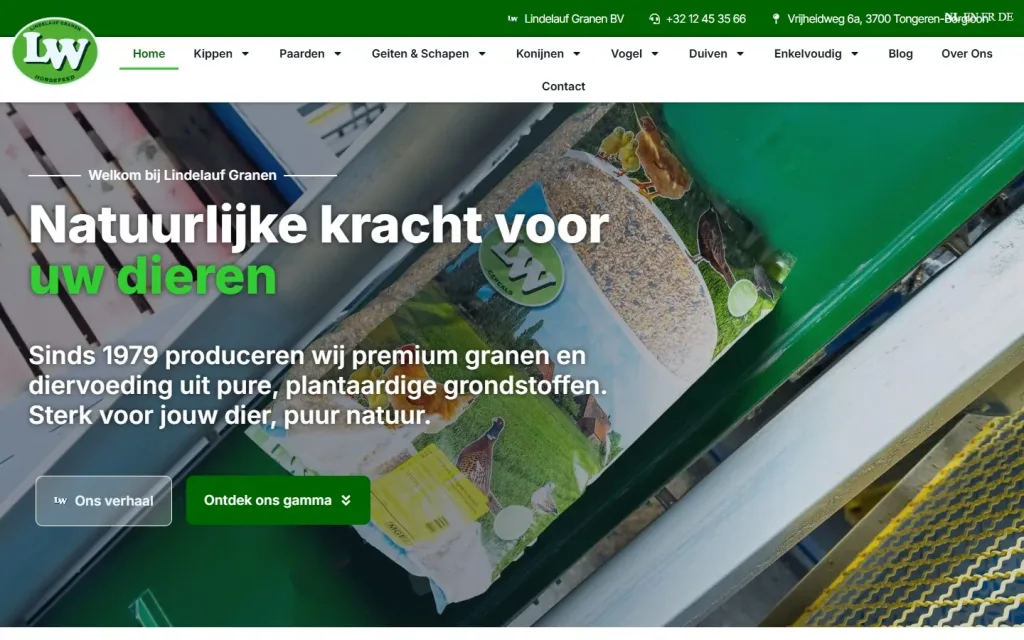
Website · SEO · Web design
LW Granen
Catalogue website for LW Granen in Tongeren-Borgloon, with animal feeds by species, a product page for each feed and a blog.
- WordPress
Pricing
How much does WordPress maintenance cost?
I do not publish fixed packages for WordPress maintenance. After an initial look at your website, I can define the scope and price: what is running, what is behind and how often support makes sense.
You receive a price in advance for a one-off maintenance session or for recurring support. For one-off changes and help, you pay by the hour or use an hour bundle. There is no mandatory monthly plan.
- Type of website A business website, an online shop or a website with bespoke features.
- Number of plugins Each plugin is a component that needs to be updated and checked.
- Backlog How long the website has gone without maintenance.
- Languages A multilingual website needs more checking after an update.
- Frequency A one-off session or support on a fixed schedule.
- Hosting What your host already handles, such as backups or server updates.
Why Dries
Why entrust your maintenance to Dries?
- A developer, not an update button If an update goes wrong, I fix the cause in the code.
- One point of contact You email or call the person who does the work.
- Online shops too I also check WooCommerce, payments and orders.
- No mandatory plan A one-off session or recurring support: you choose.

About the specialist
Dries Nijs, Organic Web Specialist
I am Dries Nijs, a developer and web designer, and I work from Maasmechelen. I have been building for the web since the 1990s and today develop in WordPress, WooCommerce, React and Next.js. Because I build WordPress websites myself, I know where they become vulnerable when no one maintains them. MadeByDries is the personal brand under which I work. Everything I do with WordPress is covered under WordPress specialist.
FAQ
Frequently asked questions about WordPress maintenance
How much does website maintenance cost per month?
That depends on the type of website, the number of plugins and how often support is needed. An online shop needs more than a compact business website. I do not publish fixed amounts: after an initial look at your website, you receive a specific price, for a one-off session or for recurring support.
Is a maintenance contract mandatory?
No. You can have a one-off maintenance session carried out and then continue on your own. Recurring support is an arrangement you make because it suits your website, not because it is imposed.
Can I update WordPress myself?
Yes. You can install updates from the back end. The risk lies in what happens afterwards: a plugin that no longer works with the theme, or a form that stops working. Always make a backup first and check the website after the update. If you do not have time for that, outsource it.
Why does a WordPress update fail?
Often because of a conflict between plugins, an outdated PHP version at the host, insufficient memory or incorrect write permissions. The error message and the log files usually point the way. If the website is stuck in maintenance mode or shows a white page after a failed update, I restore the backup first and then look for the cause.
How often should a WordPress website be updated?
Security updates as soon as reasonably possible. Regular updates on a fixed schedule, so the backlog does not build up. How tight that schedule needs to be depends on the website: the bar is higher for an online shop with payments than for a five-page website.
How secure is WordPress?
WordPress itself is actively maintained and is secure when kept up to date. The risks almost always lie in outdated plugins and themes, weak passwords and users with too many permissions. Maintenance tackles exactly those points.
Do you also maintain WooCommerce shops?
Yes. For an online shop, I also check the basket, the checkout and the emails after every update, because an error there immediately costs revenue. If you want a new shop, you can read more under online shop development.
How long does a WordPress website last?
As long as the software is kept up to date and the theme is still maintained, a WordPress website can last for years. What usually ages first is not the technology but the design, the content or the structure. Maintenance extends its lifespan, but it does not replace a redesign when your business has changed.
Does maintenance affect SEO?
Indirectly, yes. A website that becomes slow, throws errors or gets hacked loses visibility. Maintenance keeps the technical foundation healthy, and that is the precondition for everything else. The more in-depth work on indexing and structure falls under technical SEO.
Want your WordPress website checked?
Tell me which website it is, who built it and what maintenance is being done today.